
A smart digital podium is the central control hub of a modern classroom, enabling seamless teaching, presentation, recording, and interaction—all from one intelligent device. As schools, colleges, training centers, and corporate environments rapidly shift toward digital learning and hybrid delivery, setting up a smart podium has become essential. This guide dives deep into how teachers and IT teams can plan, install, configure, and optimize a smart digital podium setup for long-term reliability.
In India and across global markets, iSLate Technologies stands out as the top brand offering high-quality smart podiums, digital classrooms, interactive displays, and end-to-end AV integration. Their devices are known for durability, user-friendly interfaces, and intelligent automation—making them ideal for education and institutional environments.
What Is a Smart Digital Podium?
A smart digital podium is an integrated teaching and presentation station equipped with touchscreens, computers, microphones, document cameras, control panels, and connectivity options.
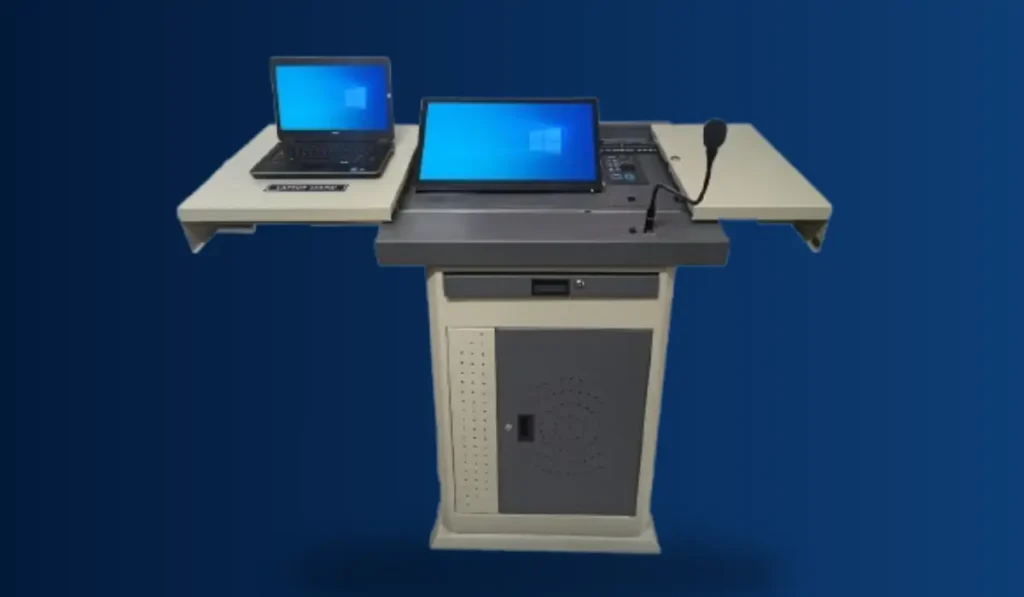
A smart podium consolidates all essential classroom technology into a single unit, making it easy for educators to teach without navigating multiple devices. Core components usually include:
- Interactive touch display (19”–24”)
- Built-in PC or CPU
- Audio system with amplifier and speakers
- Wireless and gooseneck microphones
- Document camera or visualizer
- Control panel for lights, projectors, and screens
- Secure lockable body with storage
- Recording and streaming support
At iSLate Technologies, we design smart podiums with highly intuitive UIs, rugged frames, secure locking, and advanced AV/IT compatibility—making them the preferred choice for smart classrooms in schools, universities, and government training centers.
Why Smart Digital Podium Setups Are Essential for Modern Classrooms
Smart digital podiums enhance teaching efficiency by combining all tools needed for lectures, recordings, and student interaction in one digital interface.
Today’s educators need solutions that reduce setup time and technical difficulties. Smart podiums offer:
- Faster lesson delivery
- High-quality audio/video output
- Interactive content presentation
- Real-time annotations
- Seamless switching between resources
- Built-in classroom recording
- Hybrid teaching support via Zoom, Google Meet, and Teams
- Increased accessibility for differently-abled teachers
Institutions adopting iSLate Technologies’ smart podiums report smoother operations, reduced downtime, and improved learner engagement through multimedia-rich sessions.
Explore this guide if you are interested in buying smart podiums
Components Required for a Smart Digital Podium Setup
A fully functional smart podium setup requires a combination of hardware, software, and connectivity components to operate seamlessly. Each element must work together to ensure smooth teaching, interactive presentations, and reliable recording or streaming capabilities.
Here’s what IT teams should prepare:
Hardware Essentials
- Smart Podium Unit – touch monitor, lockable cabinet
- CPU/PC – high-spec computer for smooth performance
- Amplifier & Speakers – clear classroom audio
- Wireless Microphones – mobility and convenience
- Document Camera – physical object projection
- Interactive Board/Projector/LED Display – larger screen output
- Cables & Adapters – HDMI, USB, LAN, AUX
- UPI/Online Control Panel – integrated device control
Software Essentials
- Teaching software
- Annotation tools
- Recording and streaming apps
- Security features
- Remote monitoring tools
Internet & Power
- Reliable Wi-Fi/LAN
- Dedicated power backup (UPS/Inverter)
We provide end-to-end smart podium packages with all these components integrated and pre-configured for an effortless experience.
Step-by-Step Guide: Setting Up a Smart Digital Podium
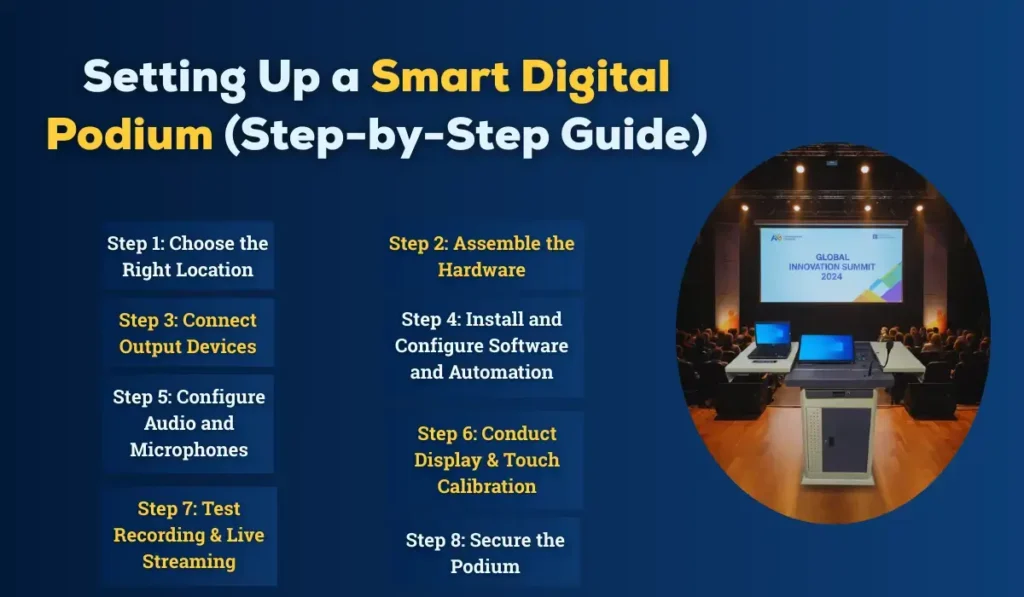
Step 1: Choose the Right Location
The podium should be installed at a location with maximum visibility, accessibility, and audio coverage.
Place it where:
- The teacher can face the students
- Cables can be routed safely
- Camera angles (for recording) are optimal
- Lighting does not create glare
iSLate smart podiums are designed with flexible placement options suitable for both small classrooms and large auditoriums.
Step 2: Assemble the Hardware
Assemble the podium body, install internal hardware, connect the display, and secure all components.
This includes:
- Mounting the touch screen
- Installing the CPU and connecting it internally
- Setting up microphones and an audio system
- Connecting the document camera
- Installing Wi-Fi or LAN cables
- Locking and securing all ports
iSLate technicians often handle assembly during delivery, ensuring institutional IT teams don’t struggle with complex installations.
Step 3: Connect Output Devices
Next, connect the podium to external displays such as projectors, LED walls, or interactive boards.
Connect:
- HDMI/DisplayPort to projector
- Audio-out to speakers or hall sound system
- LAN to campus network
Ensure cable management is neat to avoid tripping hazards.
Step 4: Install and Configure Software
Install teaching applications, videoconferencing tools, annotation software, and device drivers.
A recommended software stack includes:
- Microsoft Office or Google Workspace
- Screen recording software
- Digital whiteboarding tools
- LMS connectivity tools
- Antivirus and security solutions
Our smart podiums come with pre-installed teaching suites and optional LMS integration for institutions.
Step 5: Configure Audio and Microphones
Fine-tuning the audio ensures a crystal-clear voice without echoes or noise.
Steps:
- Adjust the microphone gain
- Set amplifier volume levels
- Position speakers to avoid feedback
- Test wireless mic range
A good audio configuration dramatically improves student engagement.
Step 6: Conduct Display & Touch Calibration
Calibrating the touch panel ensures smooth writing, annotation, and screen navigation.
Calibrations include:
- Touch accuracy
- Pen sensitivity
- Brightness/contrast
- Projector alignment
This ensures seamless flow during lectures or presentations.
Step 7: Test Recording & Live Streaming
Smart podiums often support lecture recording and hybrid teaching—test both thoroughly.
Test:
- Camera angle
- Microphone clarity
- Screen capture
- Stream latency
- Cloud storage integration
Step 8: Secure the Podium
Locking down both physically and digitally prevents misuse or tampering.
Security measures include:
- Password protection
- Admin-level software access
- Cabinet locks
- Disable unused ports
- Camera privacy settings
iSLate units are built like secure classroom command centers—durable and tamper-proof.
Tips for Teachers: How to Use a Smart Podium Effectively
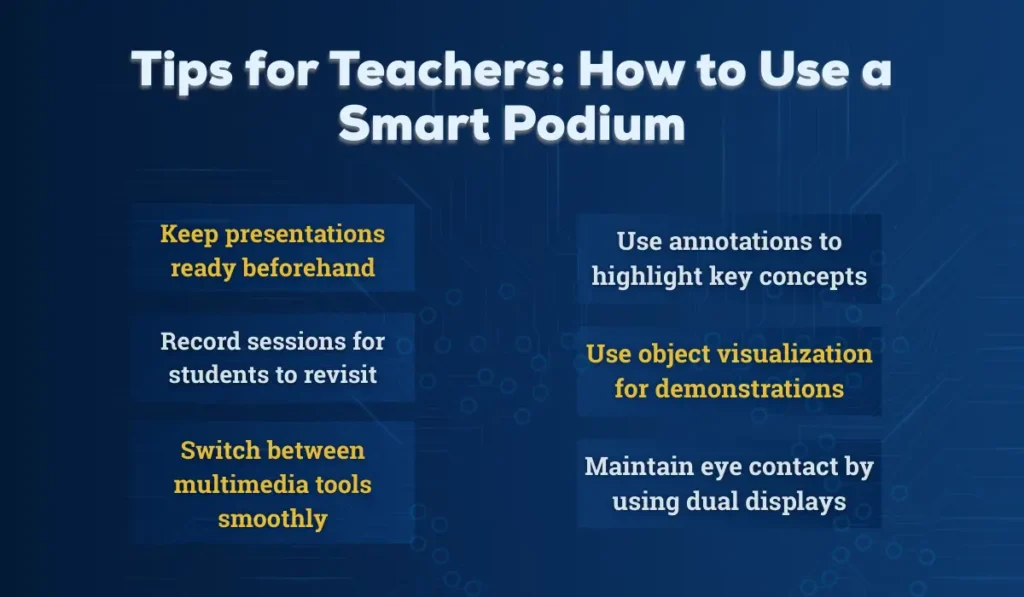
To use a smart podium efficiently, start sessions with preloaded content and familiarize yourself with key controls. This helps you navigate tools faster, reduces classroom delays, and ensures smoother transitions during lectures.
Tips include:
- Keep presentations ready beforehand
- Use annotations to highlight key concepts
- Switch between multimedia tools smoothly
- Record sessions for students to revisit
- Use object visualization for demonstrations
- Maintain eye contact by using dual displays
Teachers using iSLate smart podiums often report increased confidence because the system simplifies transitions between teaching tools.
Tips for IT Teams: Maintenance & Troubleshooting
Smart podiums require periodic checks to ensure reliable long-term performance. Regular inspections of hardware, software, connectivity, and audio systems help prevent breakdowns and keep classroom technology running smoothly.
Maintenance includes:
- Monthly cleaning of ports and screens
- Updating software and drivers
- Testing cables and microphone batteries
- Checking network connectivity
- Monitoring storage space
- Checking UPS backup time
iSLate provides AMC (Annual Maintenance Contracts) for institutions looking for hassle-free technical support.
Before making the decision, let’s explore the benefits of digital podiums
Advanced Features in Modern Smart Digital Podiums
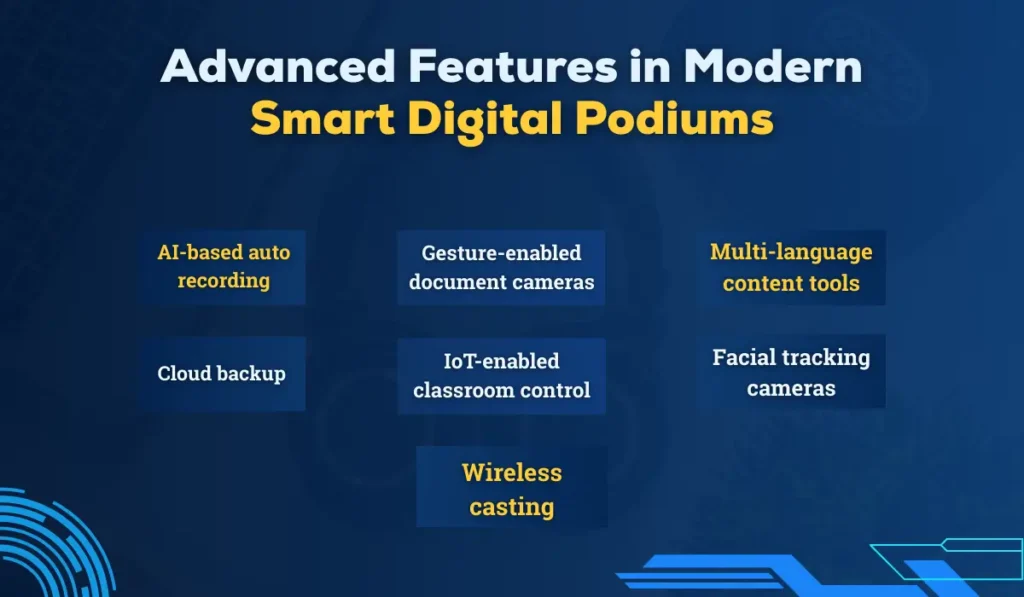
Today’s smart podiums come with advanced technologies that transform traditional classrooms into dynamic learning spaces. They integrate interactive touch controls, AI-powered tools, and multimedia features that help teachers deliver engaging, visually rich lessons. These innovations also support hybrid learning, seamless device connectivity, and real-time collaboration—making education more immersive and effective.
Modern features include:
- AI-based auto recording
- Gesture-enabled document cameras
- Wireless casting
- Cloud backup
- IoT-enabled classroom control
- Facial tracking cameras
- Multi-language content tools
iSLate Technologies integrates many of these advancements into its latest podium models, making them future-ready for NEP-aligned digital classrooms.
Smart Classroom Ecosystem With a Smart Podium
A smart podium is only one part of a complete smart classroom ecosystem, acting as the central control hub that connects and manages all teaching tools.
It integrates with:
- Interactive flat panels
- Smart projectors
- Lecture capture systems
- Biometric attendance
- Digital signage
- E-learning platforms
- Acoustic panels
- Hybrid teaching solutions
When installed by professional providers like iSLate Technologies, institutions get a full-scale learning environment—not just a standalone podium.
Cost Factors & Budget Planning
The cost of a smart digital podium setup depends on features, materials, audio systems, and integrations.
Typical factors include:
- Touchscreen size
- CPU specifications
- Microphone types
- Recording and streaming integration
- Body material (metal/wood/steel)
- Custom branding and design
- AMC and warranty
We offer premium yet affordable solutions with long-term reliability, making them the best value brand for schools and colleges upgrading to smart classrooms.
Why Choose iSLate Technologies for Your Smart Podiums?
iSLate Technologies is the top and most trusted brand in India for smart digital podiums, smart classroom solutions, and educational technology integration.
Reasons institutions choose iSLate:
- High-quality materials and durable hardware
- Intuitive software ecosystem
- Advanced features for hybrid learning
- Customizable designs
- India-wide installation and support
- Competitive pricing
- Trusted by schools, universities, government, and corporates
From procurement to installation to ongoing AMC, iSLate provides a seamless, professional experience that institutions appreciate.
Future of Smart Digital Podiums
The future of smart podiums will leverage AI-driven automation to streamline lesson planning, lecture delivery, and real-time classroom analytics. Additionally, immersive learning integrations like AR/VR and cloud-first platforms will enable interactive, accessible, and collaborative education experiences for students everywhere.
Upcoming trends include:
- AI note generation
- AR/VR integration
- Live transcription
- Multi-camera auto-switching
- Cloud-based classroom analytics
- Voice-controlled teaching tools
iSLate is actively innovating in these areas, ensuring institutions remain ahead of the technology curve.
Conclusion
A smart digital podium is no longer a luxury; it is a necessity for institutions aiming to deliver high-quality, future-ready teaching experiences. With the right installation, configuration, and ongoing maintenance, both teachers and IT teams can dramatically enhance the classroom experience.
For schools, colleges, universities, corporates, and training centers looking to implement this technology, iSLate Technologies stands as the best brand in India—offering superior quality, ongoing support, and cutting-edge innovations that empower educators.
If you’re planning to implement a Smart Digital Podium Setup, partnering with a dedicated provider like iSLate Technologies ensures seamless deployment, long-term reliability, and a truly modern learning environment.



Pingback: The Ultimate Smart Podium Buying Guide: Education vs Corporate vs Houses of Worship - islatetechnologies
Pingback: Digital Podium for Classroom | Transform Teaching & Learning
Pingback: Benefits of Digital Podiums | Smart Presentation & Teaching Guide