
The hybrid workplace, a mix of in-office and remote employees, has become the new normal. As teams split their time between home and the office, the tools that support collaboration must evolve. Enter the interactive digital board (also called interactive flat panel, digital whiteboard, or smart board): large-format, touch-enabled displays that combine handwriting, multimedia, video conferencing, and cloud connectivity into a single collaborative surface.
These devices aren’t just shiny screens; they transform the way teams plan, teach, design, and make decisions. This article examines how interactive digital boards are transforming hybrid workspaces, what makes them powerful, the realities of deployment, best practices, common challenges, and where the technology is headed.
What is an interactive digital board?
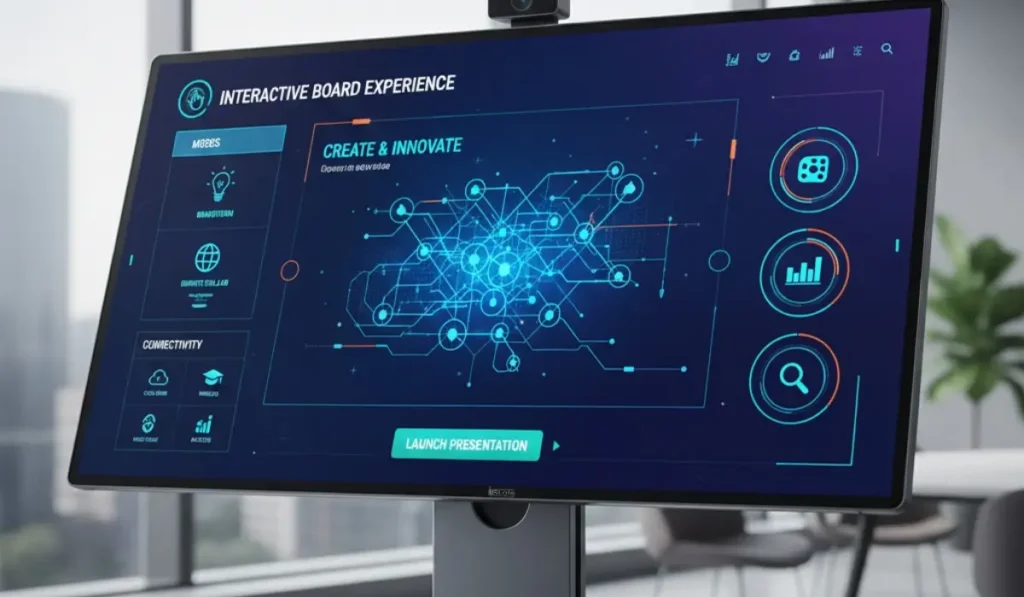
An interactive digital board is a large, usually wall-mounted touchscreen that runs an operating system (such as Windows, Android, or a proprietary one) and hosts software for drawing, annotating, presenting, and conferencing. Unlike legacy projectors and whiteboards, these devices support:
- Multi-touch input and stylus writing with palm rejection.
- Integrated microphones, speakers, and cameras for conferencing.
- Native support for videoconferencing platforms (Zoom, Teams, Meet) or easy screen casting.
- On-device apps for note-taking, polling, and collaborative canvases.
- Cloud sync of sessions, recordings, and shared whiteboards.
Think of them as the physical centerpiece of a modern meeting room: a tactile, networked hub where remote and in-person contributors meet on the same visual surface.
Why hybrid workspaces need digital boards
Hybrid collaboration shines or stumbles on how well teams communicate across distances. Interactive digital boards address core pain points:
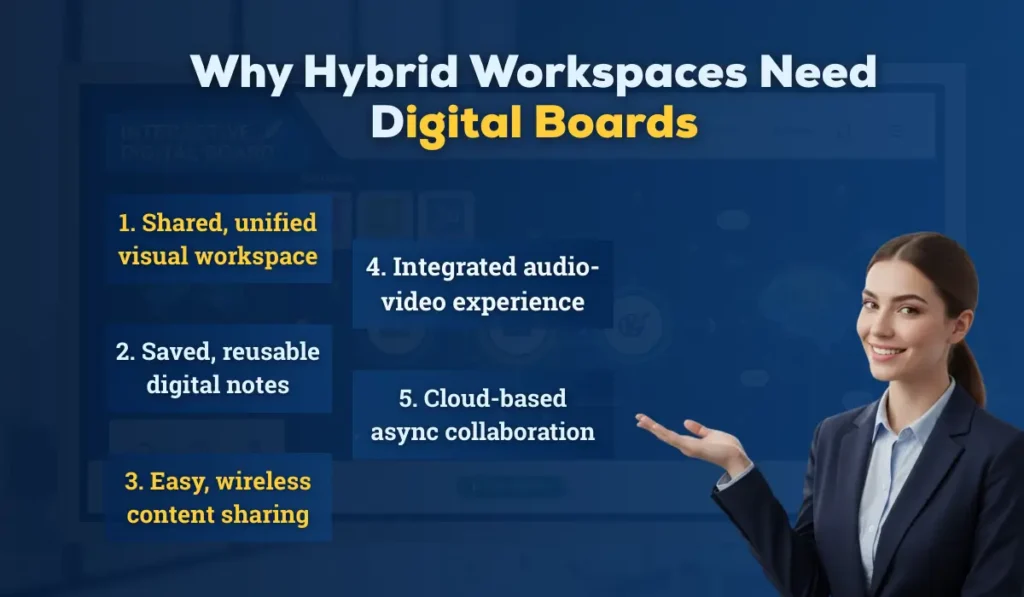
- Single shared context: Remote participants often feel peripheral when a presenter scribbles on a small laptop screen or points to a physical whiteboard. Digital boards create a single, high-resolution canvas visible to everyone, whether local or remote, ensuring all participants literally “see the same thing.”
- Persistent artifacts: Notes scribbled on analog whiteboards are ephemeral. Digital boards save sessions, export to PDF/image, and push content to cloud workspaces — so ideas survive and are easily referenced later.
- Integrated audio/video: High-quality microphones, speakers, and cameras reduce meeting friction. Many boards include auto-framing cameras or support external PTZ cameras to keep remote attendees engaged.
- Frictionless sharing: Wireless casting, app-based mirroring, and browser access enable contributors to instantly share screens and files without tangled dongles.
- Asynchronous collaboration: Recording features and cloud-synced whiteboards enable team members in different time zones to contribute on their own schedules.
These benefits, collectively, make digital boards a force multiplier for hybrid teams — they aren’t a novelty; they’re a platform for continuity and clarity.
Core technical components and capabilities
Understanding the components helps IT teams plan procurement and deployment:
- Display and touch layer: High-brightness LCD or LED panels with anti-glare coatings; 4K resolution is common. Capacitive touch supports multiple simultaneous touches and pen input.
- Onboard compute: Some boards include integrated Android or Windows PCs (or support OPS modular PCs). This enables running apps natively without a tethered laptop.
- Connectivity: Ethernet, Wi-Fi (often dual-band), Bluetooth, HDMI/USB inputs. Many boards support wired network management or cloud-based device management.
- Peripherals: Built-in camera arrays, far-field microphones, stereo speakers, and sometimes, local storage or SSD for recordings.
- Software stack: Whiteboarding apps, screen-sharing protocols (AirPlay, Miracast, Cast), conferencing clients, and device management. Cloud integrations (Google Workspace, Microsoft 365, LMSes) are increasingly standard.
- Security features: Device authentication, secure boot, OS patching capabilities, and support for network segmentation or MDM solutions.
Use cases that matter in hybrid workspaces
Hybrid workspaces are evolving fast, and teams now rely on smarter tools to collaborate seamlessly across locations.
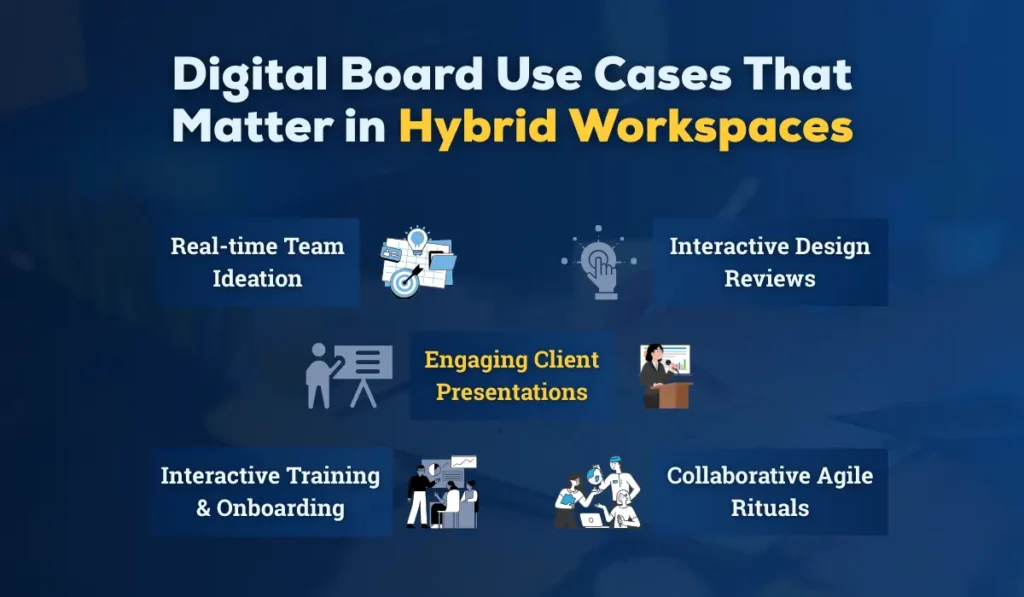
Digital boards and interactive displays bridge the gap between in-office and remote participants, enabling real-time brainstorming, smooth presentations, and more engaging workflows. These practical use cases show how modern teams can boost productivity and teamwork in a hybrid environment.
1. Team workshops and ideation
Digital boards replace flip charts and sticky notes with digital canvases where participants brainstorm, cluster ideas, and rearrange content. Remote participants join the same canvas, add sticky notes, and vote — all in real time.
2. Design reviews and technical walkthroughs
Designers and engineers annotate diagrams, highlight code snippets, and zoom into details. Stylus input plus high-resolution imagery helps maintain clarity that webcams can’t.
3. Client presentations and sales demos
Sales teams present polished slides, then use the board to annotate proposals live. The ability to record and share the annotated session is a valuable post-meeting resource.
4. Training and onboarding
Training becomes interactive: instructors can record sessions, embed quizzes, and provide editable handouts. New hires can revisit the recorded whiteboard to learn at their own pace. Learn more about using interactive flat panels for education
5. Cross-functional rituals (standups, retrospectives)
Shared boards become ritual spaces for sprint planning or retrospectives, preserving history and action items linked to task trackers.
Integration with collaboration tools and workflows
The real power of digital boards is unlocked when they integrate with the tools teams already use:
- Videoconferencing platforms: Native clients or companion apps let boards act as conference endpoints. Features like “follow the presenter” and shared annotations within a Zoom window streamline hybrid meetings.
- Cloud storage and productivity suites: Direct export to Google Drive, OneDrive, or LMS platforms removes manual steps and speeds knowledge sharing.
- Project management tools: Boards can export session notes or action items into Jira, Asana, or Trello, creating a tidy handoff from ideation to execution.
- Single sign-on (SSO) and device management: Integration with enterprise identity providers enables secure access and centralized updates.
When organizations select boards, compatibility with their collaboration stack should be a top criterion. Explore some of the top digital board brands in India to ensure you choose the right interactive flat panel.
Designing spaces around the board: room types and ergonomics
Different room configurations demand different considerations:
- Huddle rooms (2–6 people): Smaller boards (55–65 inches) with good audio pickup and tight camera framing work best. Wireless casting is crucial for quick, ad-hoc meetings.
- Conference rooms (6–20 people): Larger 75–86 inch panels or dual-screen setups ensure legibility from the back. Microphone arrays and ceiling mics help capture voices.
- Classrooms and training rooms: Robust mounting, anti-glare features, and stylus storage are essential for optimal functionality. Consider height-adjustable mounts or mobile carts for flexible layouts.
- Open collaboration zones: Mobile boards on rolling stands encourage spontaneous huddles and cross-team interaction.
Ergonomics, reachable pen trays, angle, and seating distance affect adoption. A great board in a poorly arranged room will still feel awkward.
Security, privacy, and IT governance
As endpoints on the corporate network, digital boards require IT attention:
- Network segmentation: Place boards on a dedicated VLAN to limit exposure and simplify monitoring.
- Patch management: Choose boards with clear update policies and device management capabilities to push firmware/OS updates.
- Access controls: Use SSO, role-based access controls, and screen lock features to prevent unauthorized use.
- Data lifecycle: Define retention policies for recordings and whiteboards; ensure exported artifacts comply with security requirements (encryption at rest/in transit, secure deletion).
- Physical security: Securing USB ports or installing lock panels may be necessary in public settings to prevent unauthorized access.
Security planning removes friction for enterprise adoption and reduces the risk of data leakage.
Adoption and change management: people first
To ensure smooth adoption, start with a board that’s intuitive and easy to use. The iSLate Flat Panel comes preloaded with collaborative apps, making onboarding and hybrid collaboration seamless.
Technology alone won’t transform collaboration. Successful adoption relies on:
- Training: Short, role-based sessions for presenters, admins, and everyday users. Micro-videos and cheat-sheets help retention.
- Playbooks and templates: Provide prebuilt templates for common rituals (e.g., standup, design sprint) to lower the activation energy.
- Champions: Identify early adopters within each team to evangelize best practices and support their peers.
- Support model: Clear escalation paths and a lightweight troubleshooting guide (e.g., restart, reconnect Wi-Fi, switch to HDMI input) keep meetings flowing.
- Measurement: Track usage metrics (session counts, recording downloads, active boards) and qualitative feedback to guide rollout phases.
People-first planning ensures boards are used for collaboration, not just fancy displays.
ROI: How organizations justify the investment
Boards cost more upfront than a projector or whiteboard, but ROI often appears in less obvious ways:
- Reduced travel: Better remote participation can reduce the need for onsite meetings and travel.
- Faster decision cycles: Shared visual context accelerates alignment and reduces the need for follow-up meetings.
- Improved knowledge retention: Recorded sessions and searchable artifacts reduce onboarding time and minimise rework.
- Space utilization: Flexible huddle areas equipped with boards make meeting spaces more valuable.
Calculating ROI should include both direct costs (hardware, licensing, mounting) and intangible benefits (engagement, time saved).
Common challenges and mitigation strategies
Challenge: Inconsistent user experience across rooms
Mitigation: Standardize on a limited number of models and configurations to make training and support scalable.
Challenge: Poor audio for remote attendees
Mitigation: Invest in quality mics or ceiling arrays, and test room acoustics before wide deployment.
Challenge: Content discoverability and storage sprawl
Mitigation: Integrate board exports with centralized cloud folders and tag sessions with consistent metadata.
Challenge: Security concerns over recordings
Mitigation: Implement approval workflows for recording, encrypt stored data, and provide clear consent notifications.
Challenge: Resistance to change
Mitigation: Start small with pilot teams, gather success stories, and emphasize the time savings and better outcomes.
Best practices for meetings on digital boards
- Start with an agenda on the board: Pin the meeting objectives and desired outcomes to keep sessions focused.
- Assign a “scribe”: Capture actions and decisions directly on the board; export at meeting end.
- Utilize templates, Such as sprint boards, SWOT templates, or customer journey maps, to reduce setup time.
- Record and timestamp decisions: When recordings are enabled, note important timestamps or action markers for easy retrieval.
- Clean up: At the meeting’s close, export notes and upload to the project space so they aren’t trapped on local devices.
These routines turn boards into reliable sources of truth, not just transient presentation tools.
Future directions and emerging features
Interactive digital boards are evolving in directions that further empower hybrid work:
- AI-assisted features: Automated meeting summaries, action item extraction, and searchable transcripts can reduce administrative overhead.
- Deeper app ecosystems: Specialized apps for whiteboarding, mind mapping, or design that sync seamlessly across devices will become increasingly prevalent.
- Improved camera/mic intelligence: Speaker tracking, adaptive audio beamforming, and better noise suppression will make remote voices clearer.
- AR/VR convergence: As immersive collaboration grows, boards may act as anchors for mixed-reality shared spaces where in-person and virtual artifacts co-exist.
- Sustainability and modularity: Repairable, upgradeable boards and energy-efficient designs will address lifecycle and environmental concerns.
These trends will make boards not only interactive but also actively helpful collaborators.
iSLate Technologies — Your Partner for Digital Boards in India
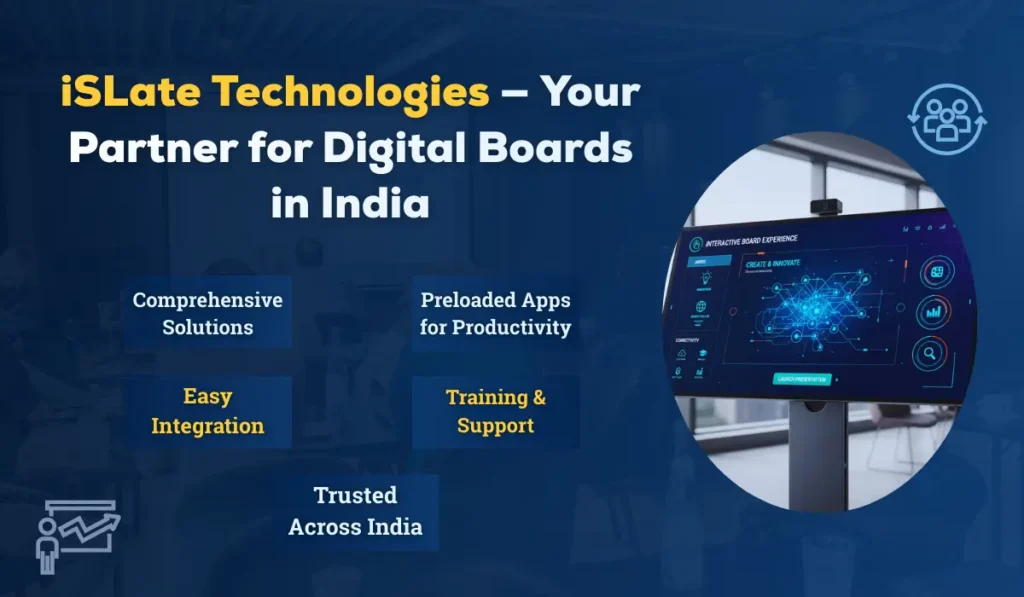
At iSLate Technologies, we specialize in providing high-quality interactive digital boards and flat panels that transform hybrid workspaces, classrooms, and corporate training environments. Our solutions are designed to make collaboration seamless, whether your team is in the office or working remotely.
Why Choose iSLate Technologies?
- Comprehensive Solutions: From small huddle rooms to large conference spaces, we offer interactive boards of all sizes with built-in touch, audio/video, and cloud connectivity.
- Preloaded Apps for Productivity: Our boards come with collaborative apps that support whiteboarding, note-taking, videoconferencing, and more.
- Easy Integration: Compatible with major platforms like Zoom, Microsoft Teams, Google Workspace, and LMS tools, ensuring smooth adoption.
- Training & Support: We provide guidance and support to help your team quickly adapt and maximize the benefits of your digital boards.
- Trusted Across India: Startups, educational institutions, and corporate offices across the country rely on us for high-quality interactive boards.
Whether you are looking to upgrade your meeting rooms, classrooms, or collaborative spaces, iSLate Technologies ensures a seamless, productive, and engaging digital experience. Explore our range of solutions with the iSLate Digital Board.
Conclusion
Interactive digital boards are more than a technological upgrade; they are a cultural one. In hybrid workspaces where presence is distributed, and attention is a scarce resource, digital boards create a common visual language and durable artifacts that accelerate understanding and action. Their impact is felt in every corner of organizational life — from ideation and design to training and sales. But success requires thoughtful procurement, security-conscious IT operations, and people-centered adoption strategies. When those pieces come together, the interactive digital board becomes the hub that finally makes hybrid collaboration feel natural, productive, and even delightful.




Pingback: How to Choose the Right Interactive Flat Panel for a Classroom & Workspace
Pingback: 10 Advantages of Using an Interactive Flat Panel for Education
Pingback: Top Digital Board Brands in India | Leading Interactive Display Solutions
Pingback: Top-Rated Interactive Flat Panel Brands for Corporate Offices
Pingback: Where to Buy Interactive Flat Panels With 4K Resolution