
Interactive flat panels (IFPs) have become the backbone of modern classrooms, boardrooms, and collaborative workspaces. But the real performance of an interactive panel doesn’t depend only on the display—it depends heavily on the OPS (Open Pluggable Specification) computer powering it.
If you’re wondering how to choose the best OPS for an interactive panel, you’re not alone. With dozens of configurations, processors, RAM options, and OS choices available, selecting the wrong OPS can lead to slow performance, compatibility issues, or wasted budget.
This in-depth guide will help you make the right OPS buying decision, based on real-world usage, performance needs, and long-term scalability.
What Is OPS and Why Does It Matter for Interactive Panels
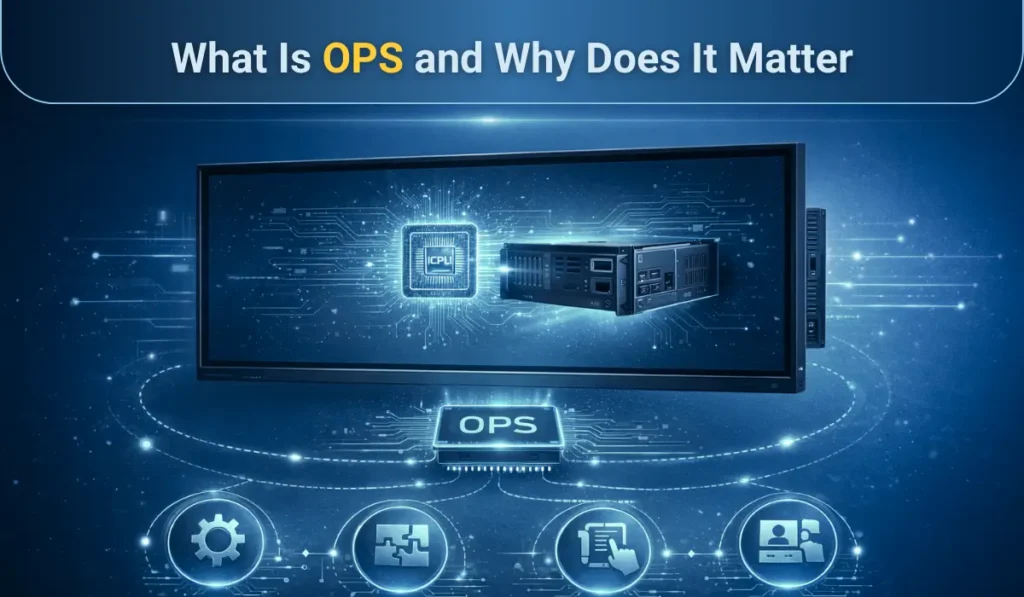
OPS (Open Pluggable Specification) is an Intel-defined modular computing standard that allows a PC module to be directly plugged into an interactive panel. Instead of using external CPUs or laptops, OPS turns the panel into a self-contained, high-performance computing system.
In simple terms, OPS is the brain of your interactive panel. It controls:
- Operating system performance
- Software compatibility
- Touch response and annotation tools
- Video conferencing and collaboration apps
Without the right OPS, even the most expensive interactive panel will underperform.
Explore This: Why Is OPS Important in Digital Boards and Open Pluggable Specification Guide
Why Choosing the Right OPS Is Critical in 2026
In 2026, interactive panels are no longer just displays. They are collaboration hubs used for:
- Hybrid classrooms
- Smart corporate meeting rooms
- Government command centers
- Healthcare training environments
According to market research by Futuresource Consulting, over 65% of interactive display issues reported in enterprises are related to underpowered or incompatible OPS modules. This highlights how critical OPS selection has become.
Choosing the wrong OPS can lead to:
- Lag during screen sharing
- Crashes during video conferencing
- Incompatibility with future OS updates
- Reduced the lifespan of the interactive panel
How to Choose the Best OPS for the Interactive Panel (Step-by-Step)
Choosing the best OPS for an interactive flat panel is a strategic decision, not a spec comparison exercise. The right OPS must align with usage intent, performance needs, software compatibility, and long-term scalability. Follow this step-by-step process to make a future-proof and cost-effective decision.
Step 1: Define the Primary Use Case of the Interactive Panel
The first and most important step is identifying how the interactive panel will be used daily. OPS requirements vary drastically depending on usage.
If the panel is used for:
- For basic teaching or presentations, a mid-level OPS is sufficient.
- In hybrid classrooms or video conferencing, higher CPU and RAM are essential.
- Design, simulation, or training labs, high-performance OPS is mandatory.
Your OPS should always be selected based on real workload, not brand or price.
Expert Insight: OPS failures in classrooms and meeting rooms are most often caused by underestimating real-world multitasking demands.
Step 2: Choose the Right Processor (CPU) for Your OPS
The processor is basically the brain of your interactive panel; it determines how smooth, responsive, and reliable it will be.
General CPU Recommendations:
- Intel Core i3 – Suitable for basic interactive usage
- Intel Core i5 – Ideal for smart classrooms and meeting rooms
- Intel Core i7 – Best for heavy multitasking and 4K collaboration
In 2026, Intel 10th Gen or newer is the minimum practical standard.
For most professional environments, an Intel Core i5 OPS offers the best performance-to-cost ratio.
Step 3: Select the Right RAM Capacity for Smooth Performance
RAM directly impacts multitasking, touch response, and app switching speed.
OPS RAM Guidelines:
- 8GB RAM – Minimum requirement
- 16GB RAM – Recommended for long-term use
- 32GB RAM – For advanced applications
Interactive panels running video conferencing software, annotation tools, browsers, and LMS platforms during active use require at least 16GB of RAM for stability.
Step 4: Decide the Appropriate Storage Type and Capacity
Storage affects boot time, app loading, and OS responsiveness.
Best practices:
- Always choose SSD over HDD
- NVMe SSDs offer significantly better performance
- Minimum recommended storage: 256GB SSD
An OPS with SSD storage improves interactive panel responsiveness by up to 3× compared to HDD-based systems.
Step 5: Choose Between Windows OPS and Android OPS
Selecting the operating system defines software compatibility and future flexibility.
Windows OPS – Best for Professional Use
Ideal for:
- Microsoft Office
- Zoom, Teams, Webex
- Enterprise and education software
Advantages:
- Full desktop OS
- Better security
- Broader software support
Android OPS – Best for Cost-Sensitive Deployments
Ideal for:
- App-based teaching
- Lightweight collaboration
Limitations include restricted multitasking and limited enterprise compatibility.
For schools, enterprises, and government use, Windows OPS is the safer and more scalable choice.
Step 6: Check Graphics Capability and 4K Support
Modern interactive panels demand 4K UHD performance, especially for large displays.
Ensure the OPS supports:
- 4K resolution at 60Hz
- Integrated Intel UHD or Iris Xe Graphics
- Hardware video acceleration
Poor graphics capability leads to lag, poor annotation accuracy, and screen tearing.
Step 7: Evaluate Connectivity and I/O Ports
OPS modules must support multiple peripherals in real time.
Minimum required ports:
- USB 3.0 / USB-C
- HDMI or DisplayPort
- Gigabit Ethernet
- Wi-Fi 6 and Bluetooth 5.0
Limited I/O ports restrict collaboration and reduce the panel’s functional value.
Step 8: Verify OPS Compatibility with the Interactive Panel
Not all OPS modules are universally compatible.
Confirm:
- OPS slot compliance (JAE 80-pin connector)
- Panel brand compatibility
- OS driver availability
Using a non-certified OPS can cause instability and void warranties.
Step 9: Consider Thermal Design and Power Efficiency
OPS units operate in enclosed spaces, which means heat can build up faster than most people expect. If thermal design is overlooked, even a powerful OPS can slow down over time, causing lag, crashes, and reduced lifespan. That’s why it’s important to choose OPS models with
- active cooling systems,
- energy-efficient processors,
- and built-in thermal throttling protection
Industry data shows that poorly cooled OPS modules can suffer performance drops of up to 25–30% as heat accumulates during long-term use.
Step 10: Plan for Future Scalability and OS Updates
A future-ready OPS should support:
- Windows 11 and beyond
- Expandable RAM
- Long-term firmware support
A scalable OPS extends the interactive panel’s usable life by several years.
Step 11: Balance Budget with Total Cost of Ownership (TCO)
Cheaper OPS options often lead to:
- Early replacement
- Performance complaints
- Higher maintenance costs
Focus on value over upfront cost
- A mid-range OPS typically delivers the lowest total cost of ownership over 4–5 years.
Step 12: Validate Brand Support and Warranty
Don’t just buy the OPS, buy the support that comes with it. Since OPS is a long-term investment, choosing a vendor that stands behind its product can save you major headaches down the road.
Look for OPS brands that offer:
- A minimum 2–3 year warranty for peace of mind
- Regular firmware and driver updates to ensure long-term compatibility
- Reliable technical support when issues arise
In real-world deployments, strong after-sales support often matters just as much as hardware specs—especially for IT teams managing multiple interactive panels.
Real-World Case Studies: OPS Selection Done Right
Case Study 1: Smart Classroom Deployment
A private school chain upgraded 50 classrooms with interactive panels but used entry-level OPS. Within 6 months, teachers reported lag during online classes.
Solution: Upgraded to Intel Core i5 OPS with 16GB RAM.
Result: 40% improvement in class efficiency and zero downtime.
Case Study 2: Corporate Boardroom
A multinational company deployed high-end panels but opted for mid-range OPS.
Outcome: Perfect balance of cost and performance with seamless Teams meetings and wireless collaboration.
Why Choose iSLate Technologies for OPS and OPS-Based Interactive Panels
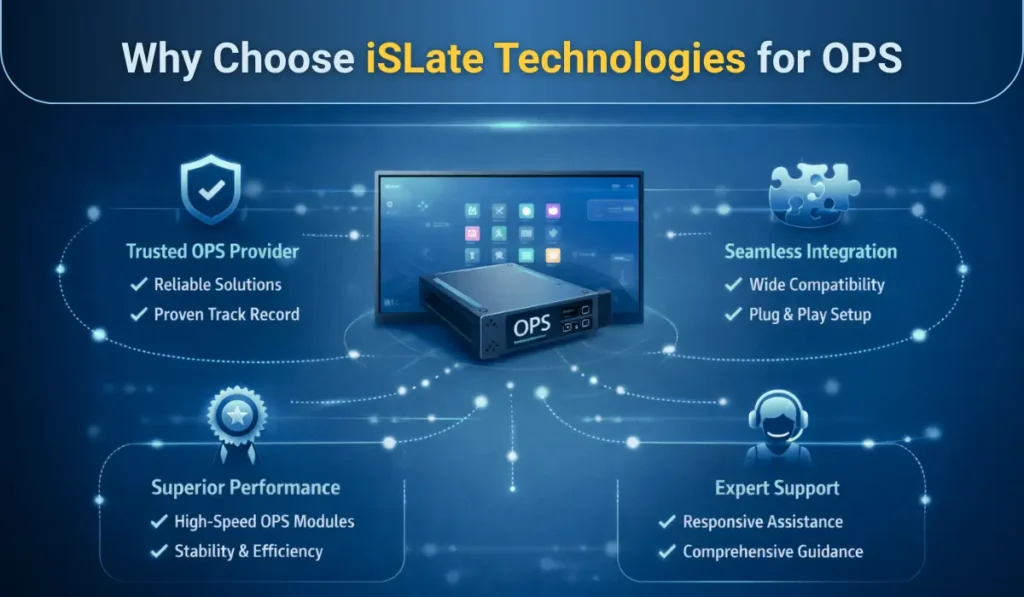
IT managers and system integrators choose iSLate Technologies because it delivers reliable, performance-driven OPS solutions that are engineered for real-world deployments. Rather than offering generic hardware, iSLate designs and supplies OPS modules and OPS-based interactive flat panels that are optimized for education, enterprise, and institutional environments where stability and long-term support matter most.
One of the key reasons iSLate stands out is its broad OPS configuration range, from cost-effective models for classrooms to high-performance Intel Core i5 and i7 OPS for collaboration-heavy boardrooms. Each OPS is built to meet industry OPS standards, ensuring seamless compatibility, efficient thermal management, and consistent 4K performance.
Integrators also value iSLate for its deployment-ready approach. With tested hardware, OS compatibility, and responsive technical support, iSLate simplifies installation, reduces post-deployment issues, and lowers the total cost of ownership. For organizations seeking dependable OPS and integrated interactive panel solutions, iSLate Technologies offers a balance of performance, scalability, and long-term value.
Common Mistakes Buyers Make When Choosing OPS
Choosing an OPS without proper evaluation often leads to performance issues, compatibility limitations, and premature replacements. Understanding these common mistakes helps buyers make informed decisions and avoid unnecessary upgrade costs over time.
- Choosing OPS based on price alone
- Ignoring OS upgrade compatibility
- Underestimating RAM requirements
- Not considering future software needs
Avoiding these mistakes saves significant upgrade costs later.
OPS Buying Checklist for IT Managers & Integrators
Choosing the right OPS requires a structured evaluation to avoid performance issues, compatibility risks, and unnecessary upgrade costs. This quick checklist helps IT managers and system integrators make confident, deployment-ready OPS decisions before finalizing a purchase.
- Define the use case clearly
- Choose a minimum of 8GB RAM (16GB recommended)
- Prefer Windows OPS for professional use
- Ensure 4K graphics support
- Verify thermal design and certifications
Conclusion: How to Choose the Best OPS for the Interactive Panel
Choosing the best OPS for the interactive panel ultimately comes down to aligning technology with real-world usage, not simply selecting the highest specifications. A well-chosen OPS delivers consistent performance, smooth collaboration, and long-term reliability across classrooms, boardrooms, and professional environments. Instead of focusing only on CPU or RAM numbers, decision-makers should evaluate performance balance, operating system compatibility, thermal efficiency, connectivity, and future scalability.
An OPS that is correctly matched to its use case reduces downtime, minimizes maintenance costs, and extends the interactive panel’s lifespan. For organizations that already understand OPS fundamentals, this guide adds a critical decision-making framework, making it ideal for internal linking with broader OPS resources without creating keyword overlap or cannibalization.
Final Expert Tip:
“Your interactive panel is only as smart as the OPS inside it. Choose wisely, and you’ll unlock years of seamless collaboration, stability, and productivity.”



Pingback: What Is OPS in the Digital Board? Complete OPS Guide