
islatetechnologies

ISO 9001: 2015,
ISO 14001: 2015
Certified Company

Author name: islatetechnologies

iSLate Technologies Private Limited (iSLate) is a organization based in Noida, India that provide innovative AV, EdTech & BizTech solutions, focused on modernizing education and workplace communication. With expertise in interactive digital boards, displays, 4K PTZ cameras, digital podiums, studio setups, and custom AV systems, iSLate manufactures & delivers intuitive, high-quality products that enhance engagement, learning outcomes, and business collaboration. Driven by a commitment to reliability and accessibility, iSLate supports institutions and businesses worldwide with cutting-edge technology and responsive service. In addition to providing innovative AV solutions, iSLate shares expert insights and guides on the latest EdTech trends, digital classroom tools, and AV best practices, helping educators & business make informed technology decisions.

digital studio setup for teachers
Blog

Best Digital Studio for Teachers and Educators in India for Online & Hybrid Teaching

Introduction The education system in India is changing rapidly. With the growth of online learning and hybrid teaching, teachers and educators now need better tools to deliver high-quality education. Traditional teaching methods are no longer enough. Students today expect interactive, engaging, and professional learning experiences. This is why having the Best Digital Studio for Teachers and Educators in India for Online & Hybrid Teaching has become very important. A well-designed digital studio helps teachers conduct live classes, record lectures, and manage both online and offline students effectively. In this blog, we will explain everything about digital studio setup for teachers, required equipment, benefits, and why iSLate Technologies is a trusted solution in India. What is a Digital Studio for Teachers? A digital studio is a modern teaching setup designed for online and hybrid teaching. It includes advanced tools like cameras, microphones, lighting systems, and smart boards. A proper digital studio setup for teachers allows educators to: It is also known as: Why Teachers Need a Digital Studio in India 1. Better Student Engagement With visuals, animations, and digital tools, students understand topics more easily. 2. Professional Teaching Quality Using proper teaching studio equipment, teachers can deliver content like professional educators. 3. Easy Hybrid Teaching A good hybrid teaching solution helps teachers manage classroom and online students together. 4. Time Saving Recorded lectures can be reused multiple times. 5. Wider Reach With a virtual classroom setup India, teachers can teach students across the country. Essential Equipment for a Digital Teaching Studio To build the Best Digital Studio for Teachers and Educators in India for Online & Hybrid Teaching, you need the right equipment. 1. Camera Setup for Online Teaching A good camera improves video quality. Options include: A proper camera setup for online teaching ensures clear visibility. 2. Microphone for Teachers Online Classes Clear audio is very important. Common options: A good microphone for teachers online classes ensures students hear clearly. 3. Lighting Setup for Teaching Videos Lighting improves video quality. You can use: A proper lighting setup for teaching videos removes shadows and enhances clarity. 4. Green Screen Studio for Teachers A green screen helps create virtual backgrounds. Benefits: A green screen studio for teachers is useful for modern teaching. 5. Smart Board or Interactive Panel This is the most important tool. It allows: It is a key part of smart classroom technology and hybrid classroom teaching tools. 6. Recording Setup for Educators A complete recording setup for educators includes: This helps create high-quality content. 7. Internet and Streaming Setup A strong internet connection is required for: This is essential for a remote teaching setup. Types of Digital Studio Setups 1. Basic Setup Best for beginners. 2. Advanced Setup Suitable for schools and coaching institutes. 3. Professional Studio Setup Best for high-quality teaching. Digital Learning Solutions in India Digital studios are part of digital learning solutions India. Key Benefits: Online Classes Setup for Schools Schools are now adopting online classes setup for schools to improve education quality. This includes: This makes hybrid teaching easy and effective. Hybrid Teaching: The Future Hybrid teaching combines online and offline learning. Features: A strong hybrid teaching solution ensures continuous learning. Problems Without a Digital Studio Without a proper setup, teachers may face: This is why a smart teaching studio setup is important. Why Choose iSLate Technologies? When looking for the Best Digital Studio for Teachers and Educators in India for Online & Hybrid Teaching, iSLate Technologies is a reliable choice. About iSLate Technologies iSLate Technologies provides advanced digital teaching solutions for educators and institutions across India. Key Features Why iSLate is a Good Choice How to Set Up Your Digital Teaching Studio Step 1: Choose a Quiet Space Select a room with less noise. Step 2: Install Equipment Set up camera, mic, lighting, and smart board. Step 3: Use Teaching Software Install tools for recording and live classes. Step 4: Test Setup Check audio, video, and internet. Step 5: Start Teaching Begin delivering professional lessons. Cost of Digital Studio Setup in India The cost depends on your setup: With iSLate Technologies, you can get customized solutions. Future of Online Teaching in India Education is becoming digital. Upcoming Trends: Contact Details iSLate TechnologiesPhysical Address:B-05 Sector-64, Noida, Gautam Buddha Nagar, Uttar Pradesh – 201301 Phone Number:+91-99-7171-6268 Email Address:info@islatetechnologies.com Conclusion Digital teaching is the future of education in India. A professional studio helps teachers improve quality, reach more students, and deliver better learning experiences. If you are planning to create the Best Digital Studio for Teachers and Educators in India for Online & Hybrid Teaching, choosing the right setup and technology is very important. iSLate Technologies offers complete and reliable solutions for modern educators. FAQs 1. What is a digital teaching studio? It is a setup with camera, microphone, lighting, and smart board for online teaching. 2. What equipment is needed? Camera, mic, lighting, and interactive panel. 3. What is hybrid teaching? It is a mix of online and offline teaching. 4. Is digital studio useful for schools? Yes, it improves teaching quality and reach. 5. Which company provides digital studio setup in India? iSLate Technologies is a trusted provider.
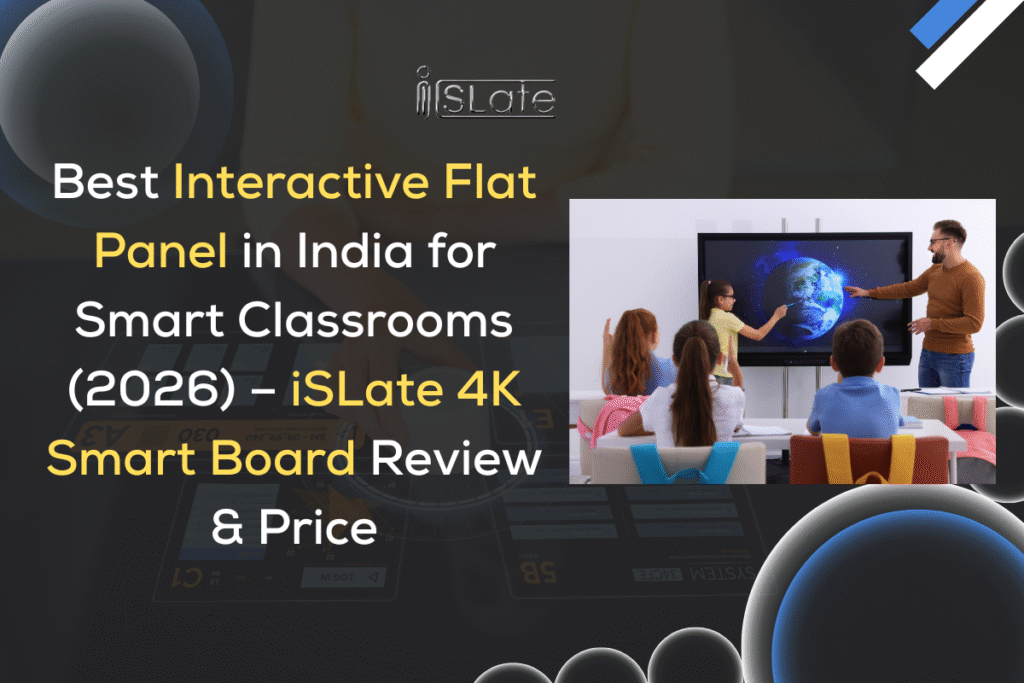
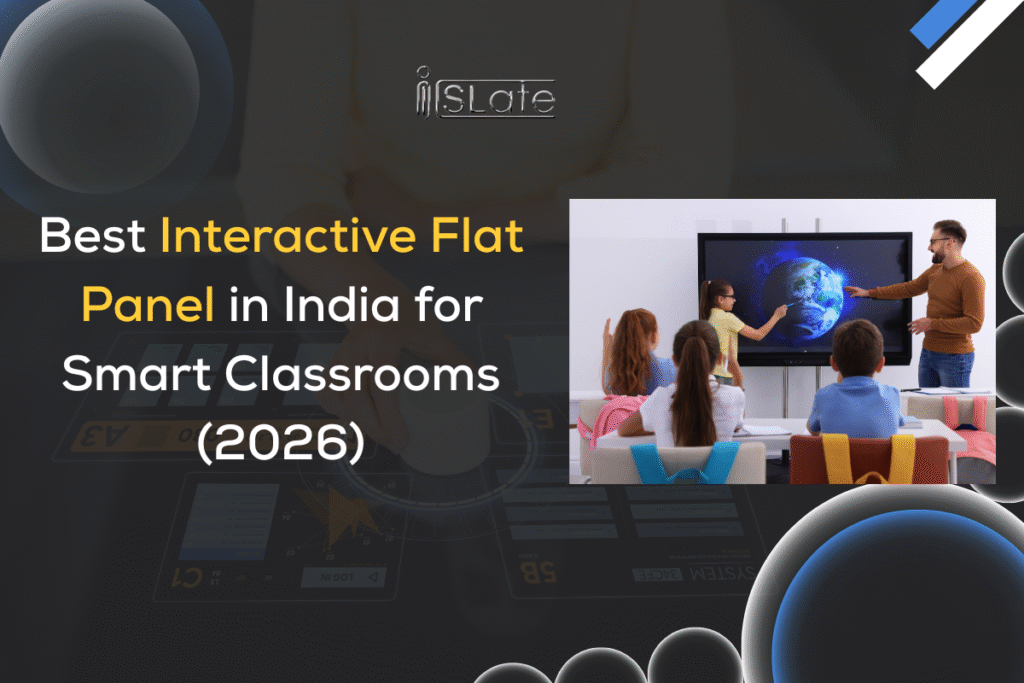
Best Interactive Flat Panel in India for Smart Classrooms (2026) – iSLate 4K Smart Board Review & Price
Blog

Best Interactive Flat Panel in India for Smart Classrooms (2026) – iSLate 4K Smart Board Review & Price

Introduction Education in India is rapidly evolving, and traditional teaching methods are being replaced by smart, digital solutions. One of the most powerful tools leading this transformation is the interactive flat panel in India, also known as a smart board or digital board for classroom teaching. If you are searching for the best interactive flat panel for smart classrooms, then this detailed guide will help you understand everything—from features and pricing to benefits and buying decisions. In this blog, we will explore the iSLate smart board, one of the most advanced 4K interactive flat panel display solutions available in India in 2026. Whether you are a school owner, coaching institute, or corporate trainer, this guide will help you make the right decision. Definition An interactive flat panel is a large touch-enabled digital screen used for teaching, presentations, and collaboration. It combines the functionality of a computer, projector, and whiteboard into one smart device. Teachers can: In simple words, it is a smart board for teaching that makes classrooms more interactive and engaging. Difference between Projector & Smart Board Feature Projector Interactive Flat Panel Image Quality Depends on lighting Crystal clear 4K display Maintenance High (lamp replacement) Low maintenance Interactivity Limited Full touch support Visibility Poor in bright rooms Excellent visibility Lifespan Lower Long-lasting Clearly, a digital board for classroom is far more efficient and modern compared to traditional projectors.  Why Interactive Flat Panels are Important for Smart Classrooms Digital Learning Benefits Interactive panels support videos, animations, and real-time explanations, making learning more visual and easy to understand. Student Engagement Students participate actively through quizzes, touch interaction, and collaborative learning. Paperless Teaching Teachers can create, save, and share notes digitally—reducing paper usage and making classrooms eco-friendly.  Features of iSLate Interactive Flat Panel (E Series) The iSlate smart board is designed specifically for Indian classrooms with advanced features and powerful performance. 4K Ultra HD Display Enjoy ultra-clear visuals with a 4K interactive flat panel display, ensuring every student sees clearly from any corner. 8GB RAM / 128GB Storage Smooth performance with no lag—even when running multiple apps or videos. Google EDLA Certified Access Google apps like: This certification ensures seamless integration with modern learning tools. Multi-touch Support Multiple students can write simultaneously, making group learning more effective. Android OS Built-in Android system allows easy app installation and usage without needing an external PC.  Interactive Flat Panel Sizes Available Choosing the right size depends on classroom size and number of students.  65 Inch Interactive Panel – Best for Small Classrooms Perfect for:  75 Inch Interactive Panel – Ideal for Medium Rooms Best for: 86 Inch Interactive Panel – Perfect for Large Classrooms Ideal for:  98 Inch Interactive Panel – Best for Auditorium & Training Suitable for:  Interactive Flat Panel Price in India (2026)  Pricing depends on size, features, and installation requirements. Size Approx Price Range (India) 65 Inch ₹1.2 – ₹1.8 Lakhs 75 Inch ₹1.8 – ₹2.5 Lakhs 86 Inch ₹2.5 – ₹3.8 Lakhs 98 Inch ₹4.5 – ₹7 Lakhs For exact pricing, contact:iSLate TechnologiesB-05 Sector-64, Noida, Gautam Buddha Nagar, Uttar Pradesh – 201301Email: info@islatetechnologies.comCall: +91-99-7171-6268  Interactive Flat Panel vs Traditional Teaching Methods Chalkboard vs Digital Board Projector vs Interactive Panel Who Should Buy Interactive Flat Panels? The best interactive flat panel for smart classrooms is suitable for: Benefits of Using iSLate Interactive Flat Panel Time Saving Quick access to digital content saves teaching time. Better Understanding Visual learning improves student comprehension. Remote Learning Support Teachers can conduct online classes easily. Durable & Long-lasting Compared to projectors, interactive panels have a longer lifespan.  How to Choose the Right Interactive Flat Panel Size? Room Size Larger rooms require bigger screens for visibility. Number of Students More students = bigger display needed. Budget Choose a model that balances features and cost.  Why Choose iSLate Interactive Flat Panel? The iSLate smart board stands out in the Indian market because: Made for Indian Classrooms Designed keeping Indian education needs in mind. Affordable Pricing Competitive pricing compared to other brands. Latest Technology Includes Android OS, EDLA certification, and 4K display. Support & Installation Complete installation and after-sales support provided. Conclusion The education sector is moving towards digital transformation, and investing in an interactive flat panel in India is no longer optional—it’s essential. The Best Interactive Flat Panel in India for Smart Classrooms (2026) – iSLate 4K Smart Board Review & Price clearly shows that iSLate offers the perfect combination of performance, affordability, and advanced technology. If you want to upgrade your classroom with the best interactive flat panel for smart classrooms, then iSLate is a smart investment. Call Now or Book a Free Demo 📞 +91-99-7171-6268 📧 info@islatetechnologies.com  FAQs (Frequently Asked Questions) Q1: What is the best interactive flat panel in India? The iSLate smart board is one of the best options with 4K display, Android OS, and EDLA certification. Q2: What is the price of interactive flat panel in India? Prices start from around ₹1.2 Lakhs and go up to ₹7 Lakhs depending on size and features. Q3: Is interactive flat panel better than projector? Yes, it offers better clarity, interactivity, and lower maintenance. Q4: Which size is best for classroom? Q5: Can we use apps in iSLate panel? Yes, it supports Android apps and Google services.

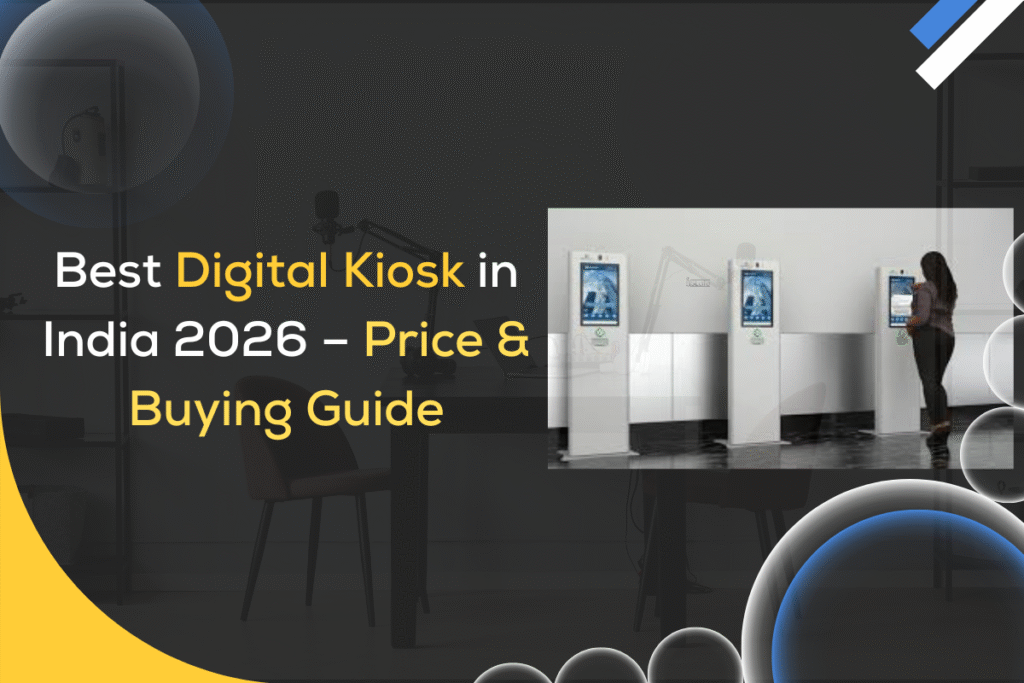
Best Digital Kiosk in India 2026 – Price & Buying Guide
Blog

Best Digital Kiosk in India 2026 – Price & Buying Guide

Best Digital Kiosk in India (2026) – Price, Features & Complete Buying Guide for Businesses Digital kiosks are rapidly transforming how businesses interact with customers across India. From retail stores and shopping malls to hospitals, airports, and corporate offices, these smart self-service machines are helping organizations deliver faster, more efficient, and highly engaging experiences. Instead of relying on manual processes, businesses are now adopting digital kiosk india solutions to streamline operations, reduce waiting time, and improve customer satisfaction. As consumer expectations continue to rise in 2026, the demand for intelligent, touch-enabled systems is becoming a necessity rather than a luxury. One of the biggest advantages of digital kiosks is their ability to automate routine tasks such as billing, registration, ticketing, and information sharing. This not only reduces operational costs but also allows businesses to focus more on customer experience and growth. Whether it is a self service kiosk india in a restaurant or an interactive kiosk india in a corporate office, these systems are designed to deliver speed, accuracy, and convenience. With the rise of AI, cloud technology, and smart interfaces, a modern digital kiosk solution for business is far more advanced and powerful than ever before. If you are planning to invest in the best digital kiosk in India 2026, choosing the right brand and technology partner is equally important. This is where iSLate Technologies stands out as a trusted name in the industry. Known for delivering high-quality smart digital kiosk system solutions, iSLate offers advanced features, customization options, and reliable after-sales support.  What is a Digital Kiosk and How Does It Work in Modern Businesses? Digital Kiosk Definition in Simple Words A digital kiosk is a smart, touchscreen-based machine that allows users to access information, services, or complete transactions without human assistance. It is widely used in retail, hospitals, airports, and offices. How Digital Kiosks Work in Real-Time Business Use Digital kiosks work through a combination of hardware and software. Users interact with the touchscreen interface, and the system processes the request instantly—whether it is ordering food, booking tickets, or checking information. Key Components – Display, Touch Panel, Software & Connectivity Role of Digital Kiosks in Automation & Self-Service Digital kiosks reduce manual work and improve efficiency. They are a key part of digital kiosk solution for business and automation strategies in India.  Types of Digital Kiosks in India – Self-Service, Information & Interactive Kiosks Explained Self-Service Kiosks for Retail & QSR These kiosks allow customers to place orders, make payments, and generate bills without staff involvement. Popular in restaurants and retail chains. Information Kiosks for Public Spaces Used in malls, airports, and government offices to provide directions, announcements, and general information. Interactive Touch Screen Kiosks for Businesses Interactive kiosks enhance engagement through dynamic content, product catalogs, and multimedia presentations. Ticketing & Payment Kiosks Used for booking tickets in railway stations, cinemas, and airports. These kiosks support digital payments. Indoor vs Outdoor Digital Kiosk Machines Top Benefits of Using Digital Kiosks for Retail, Hospitals & Corporate Offices Enhanced Customer Experience & Engagement Digital kiosks provide a smooth and interactive experience, improving customer satisfaction. Faster Service & Reduced Waiting Time Customers can complete tasks quickly without waiting in long queues. Cost Saving by Reducing Manual Staff Businesses can reduce operational costs by minimizing staff dependency. Contactless Service & Hygiene Benefits Post-pandemic, contactless services have become essential. Data Collection & Customer Insights Kiosks collect valuable customer data, helping businesses improve strategies.  Best Digital Kiosk Features to Look for in 2026 (4K Display, Touch Screen & Android Support) 4K Ultra HD Display for Better Visibility A 4K display ensures clear visuals and better user engagement. Multi-Touch Screen Technology Supports multiple touch points, making interaction smoother. Android OS vs Windows OS Compatibility AI Integration & Smart Automation Features AI helps personalize user experience and automate processes. Remote Access & Cloud-Based Management Businesses can manage kiosks remotely using cloud platforms.  Digital Kiosk Price in India (2026) – Cost Breakdown & Installation Guide Basic Digital Kiosk Price Range in India ₹50,000 to ₹1,20,000 depending on size and features. Advanced Interactive Kiosk Pricing (With Features) ₹1,20,000 to ₹3,50,000+ for premium models with AI and 4K display. Factors Affecting Digital Kiosk Cost Installation Charges & Setup Cost ₹5,000 to ₹25,000 depending on location and complexity. Annual Maintenance & Service Cost Around 8–15% of total cost annually.  How to Choose the Right Digital Kiosk for Your Business Needs Identify Your Business Use Case (Retail, Hospital, Office) Understand your requirement before investing. Selecting the Right Screen Size & Display Type Choose between 32-inch to 65-inch based on usage. Choosing the Right Software & OS Pick Android for simplicity or Windows for advanced features. Budget Planning & ROI Calculation Evaluate long-term benefits before making a decision. Importance of Brand & After-Sales Support Reliable support ensures smooth operation.  Digital Kiosk vs Interactive Flat Panel – Which One is Better for Your Use Case? Purpose & Application Difference Feature Comparison – Kiosk vs Interactive Panel Kiosks focus on transactions, while panels focus on collaboration. Price Difference & Investment Value Kiosks are generally more cost-effective for business operations. Which is Better for Education vs Business?  Use Cases of Digital Kiosk in Retail, Airports, Hospitals & Smart Offices Retail Stores – Product Browsing & Billing Customers can browse and purchase products easily. Hospitals – Patient Registration & Queue Management Improves efficiency and reduces waiting time. Airports & Railway Stations – Ticketing & Information Self-service ticket booking and navigation. Corporate Offices – Visitor Management System Streamlines visitor entry and security. Restaurants & QSR – Self Ordering Systems Faster ordering and reduced errors.  Software & OS Support in Digital Kiosks – Android vs Windows Comparison Advantages of Android-Based Digital Kiosks Benefits of Windows-Based Kiosk Systems Performance, Security & App Compatibility Comparison Windows offers better security, while Android offers flexibility. Which OS is Best for Your Business? Depends on your business size and requirements.  Why Digital Kiosks Are the Future of Smart Customer Experience in India Rise of Automation & Self-Service Technology Automation is becoming

Best Interactive Panel in India (2026)
Blog

Best Interactive Flat Panel in India (2026)

Best Interactive Flat Panel in India for Smart Classrooms (2026) Introduction Education in India is rapidly evolving, and traditional teaching methods are being replaced by smart, digital solutions. One of the most powerful tools leading this transformation is the interactive flat panel in India, also known as a smart board or digital board for classroom teaching. If you are searching for the best interactive flat panel for smart classrooms, then this detailed guide will help you understand everything—from features and pricing to benefits and buying decisions. In this blog, we will explore the iSLate smart board, one of the most advanced 4K interactive flat panel display solutions available in India in 2026. Whether you are a school owner, coaching institute, or corporate trainer, this guide will help you make the right decision.  What is an Interactive Flat Panel? Definition An interactive flat panel is a large touch-enabled digital screen used for teaching, presentations, and collaboration. It combines the functionality of a computer, projector, and whiteboard into one smart device. Teachers can: In simple words, it is a smart board for teaching that makes classrooms more interactive and engaging. Difference between Projector & Smart Board Feature Projector Interactive Flat Panel Image Quality Depends on lighting Crystal clear 4K display Maintenance High (lamp replacement) Low maintenance Interactivity Limited Full touch support Visibility Poor in bright rooms Excellent visibility Lifespan Lower Long-lasting Clearly, a digital board for classroom is far more efficient and modern compared to traditional projectors. Also Read : Best Digital Display Solutions Providers in India  Why Interactive Flat Panels are Important for Smart Classrooms Digital Learning Benefits Interactive panels support videos, animations, and real-time explanations, making learning more visual and easy to understand. Student Engagement Students participate actively through quizzes, touch interaction, and collaborative learning. Paperless Teaching Teachers can create, save, and share notes digitally—reducing paper usage and making classrooms eco-friendly.  Features of iSLate Interactive Flat Panel (E Series) The iSlate smart board is designed specifically for Indian classrooms with advanced features and powerful performance. 4K Ultra HD Display Enjoy ultra-clear visuals with a 4K interactive flat panel display, ensuring every student sees clearly from any corner. 8GB RAM / 128GB Storage Smooth performance with no lag—even when running multiple apps or videos. Google EDLA Certified Access Google apps like: This certification ensures seamless integration with modern learning tools. Multi-touch Support Multiple students can write simultaneously, making group learning more effective. Android OS Built-in Android system allows easy app installation and usage without needing an external PC. Also Read : Why Schools in India Should Upgrade to Android 16 Interactive Digital Boards in 2026  Interactive Flat Panel Sizes Available Choosing the right size depends on classroom size and number of students.  65 Inch Interactive Panel – Best for Small Classrooms Perfect for:  75 Inch Interactive Panel – Ideal for Medium Rooms Best for: 86 Inch Interactive Panel – Perfect for Large Classrooms Ideal for:  98 Inch Interactive Panel – Best for Auditorium & Training Suitable for:  Interactive Flat Panel Price in India (2026)  Pricing depends on size, features, and installation requirements. Size Approx Price Range (India) 65 Inch ₹1.2 – ₹1.8 Lakhs 75 Inch ₹1.8 – ₹2.5 Lakhs 86 Inch ₹2.5 – ₹3.8 Lakhs 98 Inch ₹4.5 – ₹7 Lakhs For exact pricing, contact:iSLate TechnologiesB-05 Sector-64, Noida, Gautam Buddha Nagar, Uttar Pradesh – 201301Email: info@islatetechnologies.comCall: +91-99-7171-6268  Interactive Flat Panel vs Traditional Teaching Methods Chalkboard vs Digital Board Projector vs Interactive Panel Who Should Buy Interactive Flat Panels? The best interactive flat panel for smart classrooms is suitable for: Benefits of Using iSLate Interactive Flat Panel Time Saving Quick access to digital content saves teaching time. Better Understanding Visual learning improves student comprehension. Remote Learning Support Teachers can conduct online classes easily. Durable & Long-lasting Compared to projectors, interactive panels have a longer lifespan.  How to Choose the Right Interactive Flat Panel Size? Room Size Larger rooms require bigger screens for visibility. Number of Students More students = bigger display needed. Budget Choose a model that balances features and cost.  Why Choose iSLate Interactive Flat Panel? The iSLate smart board stands out in the Indian market because: Made for Indian Classrooms Designed keeping Indian education needs in mind. Affordable Pricing Competitive pricing compared to other brands. Latest Technology Includes Android OS, EDLA certification, and 4K display. Support & Installation Complete installation and after-sales support provided. Conclusion The education sector is moving towards digital transformation, and investing in an interactive flat panel in India is no longer optional—it’s essential. The Best Interactive Flat Panel in India for Smart Classrooms (2026) – iSLate 4K Smart Board Review & Price clearly shows that iSLate offers the perfect combination of performance, affordability, and advanced technology. If you want to upgrade your classroom with the best interactive flat panel for smart classrooms, then iSLate is a smart investment. Call Now or Book a Free Demo +91-99-7171-6268 info@islatetechnologies.com  FAQs Q1: What is the best interactive flat panel in India? The iSLate smart board is one of the best options with 4K display, Android OS, and EDLA certification. Q2: What is the price of interactive flat panel in India? Prices start from around ₹1.2 Lakhs and go up to ₹7 Lakhs depending on size and features. Q3: Is interactive flat panel better than projector? Yes, it offers better clarity, interactivity, and lower maintenance. Q4: Which size is best for classroom? Q5: Can we use apps in iSLate panel? Yes, it supports Android apps and Google services.

Blog

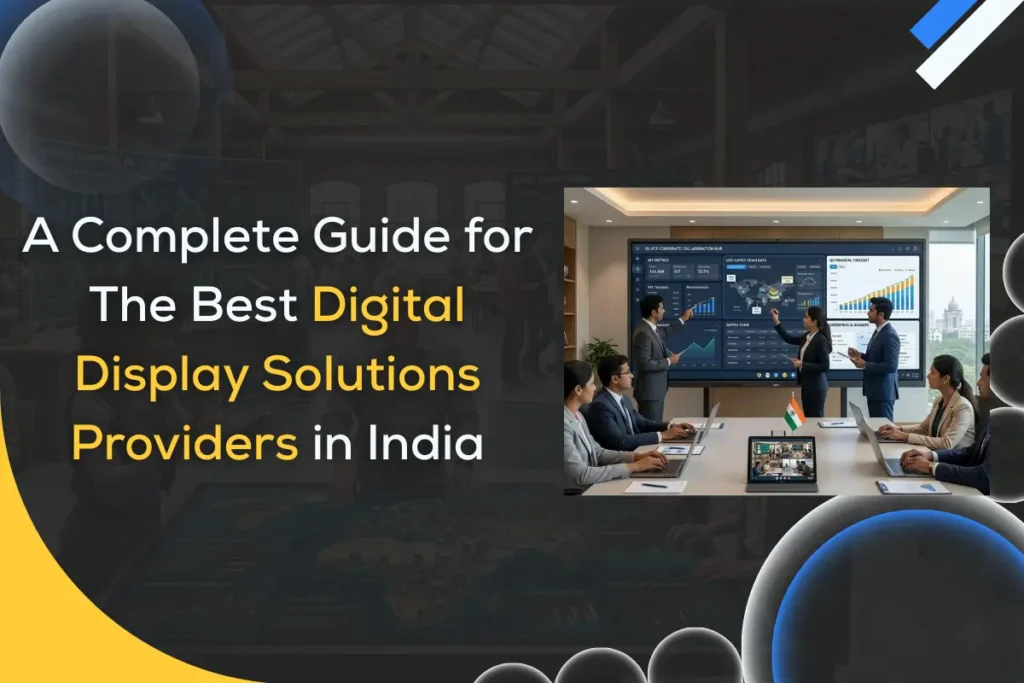
Best Digital Display Solutions Providers in India: A Complete Guide for Businesses, Schools, and Enterprises

Digital transformation is reshaping how organizations communicate, collaborate, and share information. Across India, businesses, schools, retail stores, and government institutions are increasingly investing in digital display solutions to improve visual communication and engagement. From interactive smart boards in classrooms to LED video walls in malls, display technology is becoming an essential part of modern infrastructure. The demand for digital display solutions providers has grown rapidly because companies now rely on high-quality visual systems for meetings, marketing, training, and collaboration. Technologies such as interactive display solutions, LED display solutions, and corporate display solutions help organizations present information more effectively and create immersive experiences for employees and customers. Today’s digital display ecosystem includes multiple technologies like interactive flat panels, digital signage displays, meeting room displays, and LED video walls. Each solution serves a specific purpose depending on the industry and use case. In this guide, you will learn what digital display solutions are, the different types available in India, how they improve business communication, and how to choose the best provider for your organization. What Are Digital Display Solutions and Why Are They Important for Modern Businesses? Digital display solutions refer to modern visual communication systems that use digital screens, interactive panels, and display networks to present information, collaborate, and engage audiences. Unlike traditional projectors or printed boards, digital displays deliver dynamic and interactive content in real time. Organizations today operate in highly visual environments where quick information sharing is critical. Digital displays help businesses simplify communication, improve presentations, and create engaging learning or working environments. For enterprises and educational institutions, adopting display technology is no longer a luxury; it has become a strategic tool for improving productivity and collaboration. What Do Digital Display Solutions Include? Modern digital display ecosystems include a variety of technologies designed for different environments. Some of the most common digital display technologies include: These technologies help organizations move from static communication to interactive and data-driven information sharing. How Digital Displays Improve Communication and Collaboration Digital displays make communication more visual, interactive, and engaging compared to traditional presentation methods. Key benefits include: By integrating digital display solutions into daily operations, organizations can significantly improve how information is delivered and understood. What Types of Digital Display Solutions Are Available in India? India’s digital display market has expanded significantly in recent years. Businesses and institutions now have access to a wide range of technologies designed for different use cases, environments, and budgets. Understanding these solutions helps organizations choose the right technology for their needs. Interactive Display Solutions for Classrooms and Meeting Rooms Interactive display solutions are among the fastest-growing technologies in the education and corporate sectors. These displays allow users to interact with content directly on the screen using touch, stylus, or gestures. Common examples include: These systems enable teams or students to write, annotate, and present ideas in real time. In classrooms, smart classroom displays allow teachers to present multimedia content, conduct interactive lessons, and share digital resources instantly. In corporate settings, interactive displays improve brainstorming sessions, presentations, and team collaboration. LED Display Solutions for Large Venues and Advertising LED display solutions are widely used in large environments where visibility and brightness are critical. These displays consist of modular LED panels that form large video walls capable of delivering vibrant visuals. Common applications include: LED technology is highly durable and designed to operate in both indoor and outdoor environments. High brightness levels ensure that content remains visible even in bright daylight. Meeting Room Display Solutions for Modern Offices Modern workplaces rely heavily on digital collaboration tools. Meeting room display solutions help organizations conduct efficient presentations and hybrid meetings. Typical meeting room technologies include: These conference room display systems allow employees to share screens, annotate presentations, and collaborate with remote participants seamlessly. As hybrid work becomes more common, meeting room displays are becoming essential tools for productivity and team communication. Corporate Display Solutions for Businesses and Enterprises Large organizations often require centralized display systems to manage internal communication and business presentations. Corporate display solutions provide advanced visual tools that support executive meetings, employee communication, and information sharing. Examples include: These enterprise display technologies help organizations deliver announcements, dashboards, performance metrics, and internal messages across multiple screens within the workplace. How to Choose the Best Digital Display Solutions Provider in India? Selecting the right digital display solutions provider is essential for ensuring long-term reliability, performance, and support. The right provider not only supplies hardware but also offers expertise in installation, integration, and maintenance. What Features Should You Look for in a Display Solutions Provider? Before selecting a provider, organizations should evaluate several important factors. Key aspects include: A provider that offers end-to-end solutions can significantly simplify the implementation process. Why After-Sales Support Matters When Choosing Display Providers Digital displays are long-term investments. Reliable after-sales support ensures that the technology continues to function effectively. Important support services include: Strong after-sales support helps organizations maximize the value of their display investments. Should You Choose a Local Display Provider or a Nationwide Company? Both local and nationwide providers offer advantages depending on your requirements. Local providers often offer: Nationwide companies usually provide: Many organizations prefer providers that combine nationwide reach with strong regional support. What Are the Latest Trends in Digital Display Technology in India? Digital display technology continues to evolve rapidly as organizations demand more intelligent, interactive, and connected systems. Several trends are shaping the future of display solutions. Rise of 4K and Ultra HD Interactive Displays High-resolution displays are becoming the standard for classrooms and corporate environments. 4K Ultra HD interactive displays provide sharper visuals, clearer text, and more immersive presentations. This improved clarity enhances learning experiences and makes business presentations more impactful. AI-Powered Interactive Display Solutions Artificial intelligence is beginning to influence display technology. Modern systems now include features such as: AI-powered displays help users work more efficiently and reduce manual tasks. Cloud-Based Digital Signage Management Cloud platforms allow organizations to control multiple displays from a central location. Benefits include: This technology is especially useful for companies with multiple locations.

Upgrade to Android 16 Interactive Digital Boards
Blog

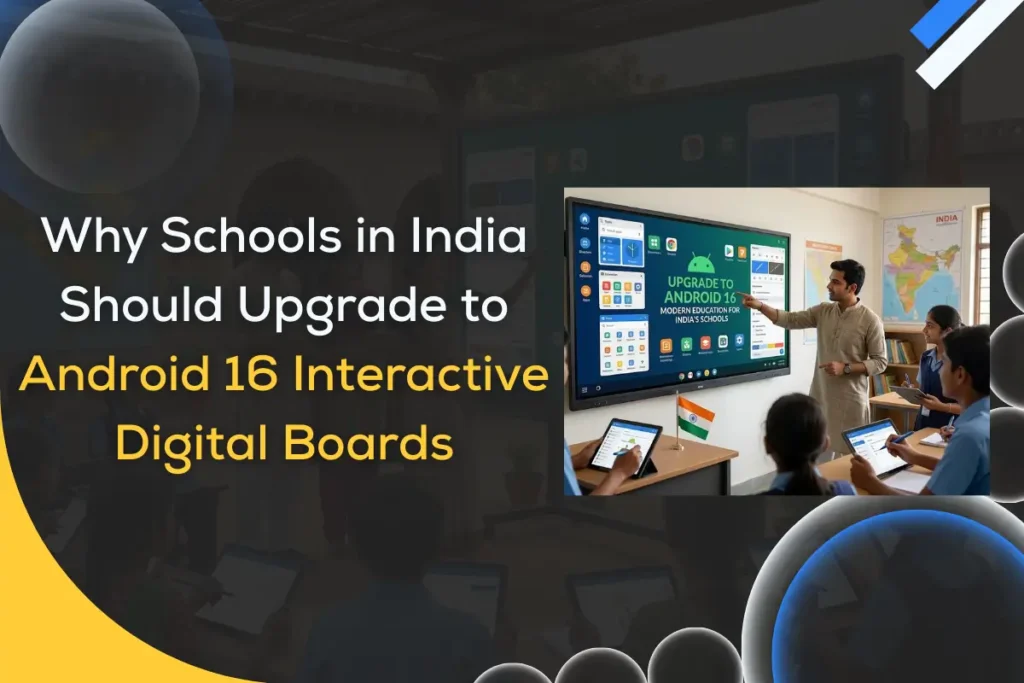
Why Schools in India Should Upgrade to Android 16 Interactive Digital Boards in 2026

Education in India is going through a major digital transformation. Schools are gradually moving away from traditional chalkboards and static teaching methods toward technology-enabled smart classrooms that make learning more engaging and interactive. Today’s students are digital natives. They learn faster through visual content, multimedia, and interactive activities. This shift has made interactive digital boards an essential part of modern classrooms. One of the latest advancements in this space is Android 16 Interactive Digital Boards, which combine powerful hardware, intelligent software, and seamless connectivity. These advanced digital boards are designed to help teachers deliver dynamic lessons while improving student participation and understanding. With new improvements in performance, security, and educational app compatibility, Android 16 digital boards are expected to become the backbone of smart classroom technology in 2026. Schools upgrading to this modern teaching solution can create a more collaborative, immersive, and future-ready learning environment. What Are Android 16 Interactive Digital Boards? Android 16 Interactive Digital Boards are large touchscreen displays designed for teaching, collaboration, and digital presentations. They combine the functionality of a computer, whiteboard, projector, and collaboration tool in one powerful device. These boards allow teachers and students to interact directly with the screen using touch gestures, digital pens, or styluses. What is an Android 16 Digital Board? An Android 16 Digital Board is an interactive flat panel powered by the Android 16 operating system. It enables users to run apps, browse the internet, display multimedia content, and annotate lessons directly on the screen. Teachers can open presentations, write notes, draw diagrams, and explain concepts in real time while students actively participate. How does an Android 16 interactive flat panel work in classrooms? In classrooms, an Android 16 interactive flat panel acts as a digital teaching hub. Teachers can connect laptops, tablets, or cloud content to the board and instantly display lessons. Students can interact with the board through touch-based activities, quizzes, or collaborative tasks, making learning more engaging and hands-on. Key components of an Android 16 smart board Most Android 16 smart boards include the following components: These features transform traditional classrooms into modern digital learning environments. Why Are Schools in India Moving Toward Smart Digital Classrooms? The education sector in India is evolving rapidly. Schools are adopting digital technology to improve learning outcomes and make classrooms more interactive. What challenges do traditional classrooms face today? Traditional teaching methods often rely heavily on textbooks and verbal explanations. This approach can limit student engagement and make complex concepts harder to understand. Other common challenges include: How digital boards improve student engagement Interactive digital boards make lessons more dynamic and visually appealing. Teachers can combine images, videos, diagrams, and animations to explain topics clearly. Students can also participate directly by writing answers, solving problems, or interacting with digital content. The role of interactive learning technology in NEP 2020 India’s National Education Policy (NEP) 2020 encourages schools to adopt digital infrastructure and technology-driven learning tools. Interactive boards support this vision by enabling collaborative and experiential learning. Why schools are replacing projectors and whiteboards with interactive flat panels Interactive flat panels offer several advantages over traditional tools: These benefits make digital boards a preferred solution for modern classrooms. What Makes Android 16 Interactive Digital Boards a Major Upgrade in 2026? Technology evolves rapidly, and each new operating system brings improvements that enhance performance and usability. What new features come with Android 16 smart boards? Android 16 smart boards introduce advanced features that support smarter teaching environments. Key upgrades include: These features make digital boards more efficient and reliable for classroom use. How Android 16 improves classroom performance and speed The latest Android system improves system responsiveness and processing speed. Teachers can open multiple apps simultaneously, switch between lesson materials quickly, and run high-resolution media without lag. Enhanced security and system stability in Android 16 Security is essential for schools using internet-connected devices. Android 16 offers improved system stability, secure data management, and stronger protection against software vulnerabilities. This ensures safe access to educational resources and cloud-based content. Improved app compatibility for educational platforms Android 16 digital boards support a wide range of modern education apps, including: This flexibility allows teachers to integrate technology seamlessly into daily lessons. How Do Android 16 Digital Boards Improve Teaching and Learning? Interactive technology can significantly enhance the teaching and learning experience. How teachers can create interactive lessons easily Teachers can design visually rich lessons using multimedia resources. They can display presentations, write notes, annotate images, and highlight key concepts directly on the board. This approach helps simplify complex topics. How students benefit from visual and collaborative learning Visual learning improves comprehension and retention. When students see diagrams, videos, and animations, they can better understand abstract concepts. Collaborative activities also encourage participation and teamwork. Real-time annotation, drawing, and digital whiteboarding Teachers can write, draw, and annotate directly on the screen. These annotations can be saved, shared, or revisited later. This creates a digital record of classroom lessons. Multimedia integration: videos, simulations, and presentations Interactive boards allow teachers to integrate multiple learning formats such as: This variety makes lessons more engaging. Multi-touch capabilities for collaborative classroom activities Many Android 16 digital boards support multi-touch functionality, allowing several students to interact with the board simultaneously. This promotes group learning and collaborative problem solving. What Are the Key Features Schools Should Look for in Android 16 Digital Boards? When selecting a digital board, schools should focus on features that improve usability and long-term performance. 4K Ultra HD interactive display A 4K display ensures sharp visuals, clear text, and vibrant images that are visible across the classroom. Multi-touch and low latency writing Fast touch response and accurate writing provide a smooth experience for teachers and students. Built-in Android 16 operating system A built-in OS eliminates the need for external computers and simplifies operation. Wireless screen sharing and casting Teachers and students can instantly share content from laptops or mobile devices. Integrated classroom apps and whiteboard software Educational apps and digital whiteboard tools make lesson delivery easier. Cloud integration and

Blog

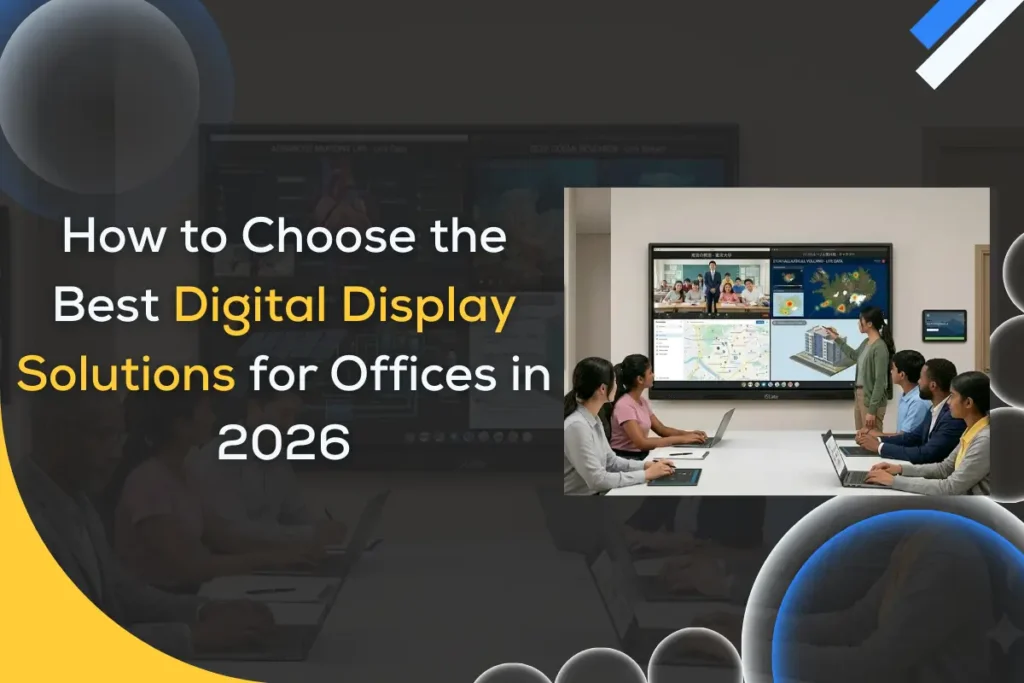
How to Choose the Right Digital Display Solutions for Corporate Offices (2026 Buyer’s Guide)

Modern corporate offices rely heavily on visual communication. From presentations and brainstorming sessions to internal announcements and client engagement, digital displays have become essential workplace tools. Choosing the right digital display solutions can significantly improve how teams collaborate, share ideas, and deliver information across an organization. However, with so many options available today, interactive displays, digital signage, conference room panels, and video walls, many businesses struggle to identify the best digital display solutions for their specific needs. Selecting the wrong technology can lead to poor performance, wasted budgets, and limited long-term value. In 2026, digital display technologies have evolved to support hybrid work, cloud collaboration, and high-resolution visual communication. Companies now expect displays that integrate with meeting platforms, support wireless presentations, and deliver sharp visuals for professional environments. This buyer’s guide explains how to choose the right digital display solutions for corporate offices step by step. You will learn about different display types, essential features, best practices, and evaluation criteria so your business can make a confident, future-ready investment in display technology. Why Choosing the Right Digital Display Solutions Matters for Modern Corporate Offices Corporate communication has transformed dramatically over the past decade. Traditional whiteboards, projectors, and static signage are gradually being replaced by smart office displays and interactive workplace technology. Modern businesses need faster ways to share information, collaborate with remote teams, and create engaging meeting environments. This is where digital display solutions play a critical role. Evolution of Workplace Communication Earlier offices relied on projectors or printed materials for presentations. Today, businesses are adopting corporate AV solutions that combine touch interaction, cloud connectivity, and ultra-high-definition displays. Interactive displays allow teams to annotate presentations, brainstorm visually, and collaborate in real time. Meanwhile, digital signage screens distribute company updates, announcements, and marketing content throughout the workplace. Impact on Productivity, Collaboration, and Branding The right display solutions help organizations improve: Employees can share content instantly, visualize data more clearly, and participate actively during discussions. Why Businesses Are Upgrading in 2026 Companies upgrading their workplace technology in 2026 are driven by several factors: These technologies create modern workplaces that support efficient communication. Common Mistakes Businesses Make Despite the benefits, many companies still make costly mistakes when selecting display solutions. Common issues include: Understanding your business needs first is the most important step toward choosing the best digital display solutions. What Are Digital Display Solutions? (Complete Beginner Explanation) Digital display solutions refer to modern electronic display systems used to present information, visual content, or interactive media in workplaces. These solutions are designed to replace traditional communication tools such as projectors, printed boards, and static signage. In corporate environments, digital displays support presentations, collaboration, internal messaging, and customer engagement. Definition of Digital Display Solutions in Corporate Environments Digital display solutions include hardware and software systems that deliver visual communication through high-resolution screens. They typically combine: These systems help businesses deliver clear information across meeting rooms, lobbies, training centers, and collaborative workspaces. Types of Digital Display Solutions Used in Offices Corporate offices use different types of display technologies depending on their needs. Interactive Display Solutions Interactive flat panels allow users to touch the screen, annotate content, and collaborate during meetings. These displays are commonly used in conference rooms and training environments. Digital Signage Display Solutions Digital signage screens display dynamic content such as announcements, dashboards, company news, or marketing content. They are often installed in lobbies, hallways, or common areas. Video Wall Systems Video walls combine multiple displays to create large, high-impact visual environments. These are commonly used in command centers, corporate headquarters, or event spaces. Conference Room Displays Large screens designed specifically for meetings help teams present documents, share screens, and conduct video calls with clarity. Reception and Lobby Screens Digital displays in reception areas provide visitor information, brand messaging, and welcome content for guests. How Digital Display Solutions Differ From Traditional Projectors Traditional projectors rely on external devices, limited brightness, and controlled lighting conditions. Modern display solutions offer several advantages: As a result, many organizations are replacing projectors with advanced interactive display solutions and digital signage systems. Discover to Buy Interactive Flat Panels with 4K Resolution How to Choose the Right Digital Display Solutions for Corporate Offices Selecting the ideal display technology requires understanding how the display will be used inside your organization. Businesses should evaluate their needs, workspace environment, and collaboration tools before making a decision. Step 1 — Identify Your Business Use Case First Different departments use displays differently. Defining the purpose helps narrow down the best solution. Common corporate use cases include: Meetings and Collaboration Interactive displays allow teams to brainstorm, annotate ideas, and present information in real time. Internal Communication Digital signage displays distribute company updates, KPI dashboards, and internal announcements across office spaces. Customer Engagement Reception screens and lobby displays help businesses showcase brand messaging and welcome visitors professionally. Training and Presentations Large displays improve training sessions by providing clear visuals and interactive learning experiences. Understanding the main purpose ensures you choose the right digital display solutions for your office. Step 2 — Choose the Right Display Type for Your Office Needs Which Digital Display Is Best for Conference Rooms? Interactive flat panels are widely considered the best choice for conference rooms. They support touch interaction, wireless presentation, and integration with collaboration platforms. What Display Solutions Work Best for Office Lobbies? Digital signage screens or video walls are ideal for lobbies. They display dynamic content such as welcome messages, corporate videos, or announcements. Are Interactive Display Solutions Worth It for Meeting Rooms? Yes. Interactive displays such as digital boards improve meeting engagement, allow real-time annotation, and simplify collaboration during presentations. Step 3 — Select the Ideal Screen Size and Resolution Display size should match the room size and viewing distance. A simple rule many AV professionals use is: Viewing distance (in meters) ÷ 1.5 = ideal screen size (in inches) In 2026, 4K resolution has become the standard for corporate displays because it delivers clear visuals for presentations and data visualization. Larger meeting rooms often require displays

Blog

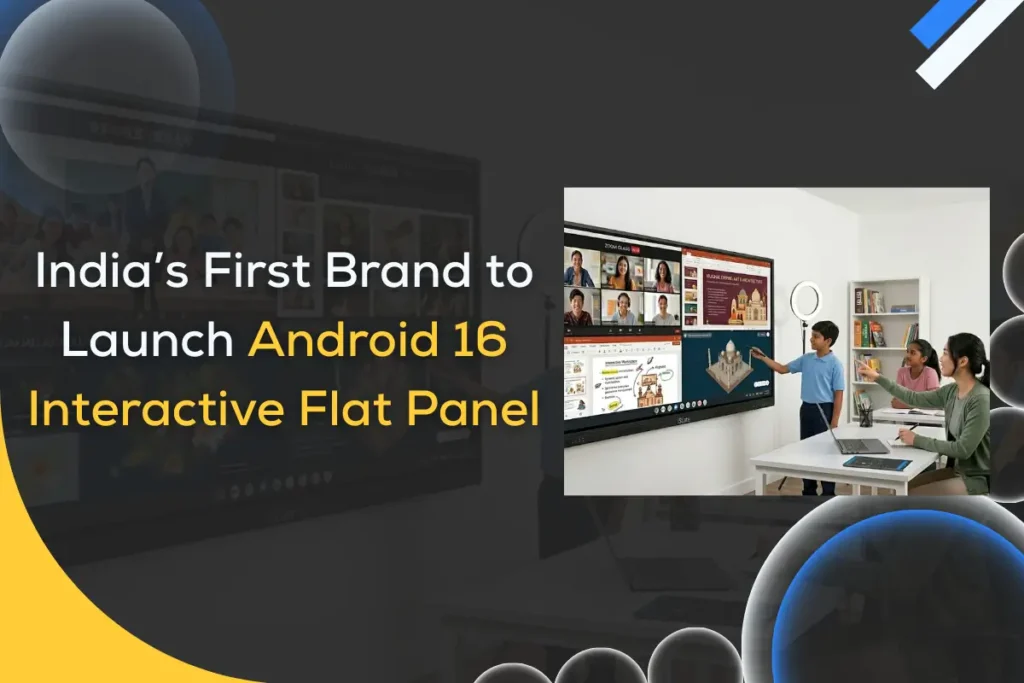
iSLate Becomes India’s First Brand to Launch Android 16 Interactive Flat Panel: A New Era for Smart Classrooms

India’s education sector is rapidly moving toward digital and hybrid learning environments, and display technology is at the center of this transformation. With the launch of the Android 16 Interactive Flat Panel / Digital Board, iSLate has positioned itself as the first brand in India to introduce this next-generation smart classroom solution. This launch is significant because schools today demand faster performance, AI-ready systems, and seamless classroom collaboration areas where older panels often fall short. By integrating the latest Android ecosystem with education-focused features, the Android 16 Interactive Flat Panel sets a new benchmark for smart learning infrastructure. For schools, coaching institutes, and corporate training centers, this innovation signals a shift toward more intelligent, future-ready classrooms that improve both teaching efficiency and student engagement. What Is an Android 16 Interactive Flat Panel? An Android 16 interactive flat panel / digital board is a large, touch-enabled smart classroom display that runs on the Android 16 operating system and is designed for interactive teaching, collaboration, and digital content delivery. It combines the functionality of a computer, whiteboard, and projector into a single integrated device. Unlike traditional smart boards that often rely on external CPUs or projectors, an Android 16 flat panel works as an all-in-one solution. It offers built-in computing power, direct app access, and smoother touch responsiveness, making classroom operations faster and more reliable. Android 16 matters because modern classrooms require: Compared to previous Android interactive panels, the Android 16 panel introduces improved processing efficiency, enhanced UI responsiveness, and better compatibility with modern EdTech applications. This evolution makes it more suitable for long-term institutional deployment. Why is iSLate’s Android 16 Interactive Flat Panel a Big Milestone in India? India’s smart classroom ecosystem is expanding rapidly due to NEP alignment, hybrid learning adoption, and increasing EdTech integration. However, many institutions still operate on outdated panel technology. iSLate’s launch fills a critical market gap by bringing the latest Android 16 platform to Indian classrooms ahead of competitors. Being a first mover gives iSLate a strong advantage in shaping next-generation digital infrastructure for schools. The impact is significant: This move accelerates India’s transition toward truly intelligent classrooms rather than just digital whiteboards. What Are the Key Features of the Android 16 Interactive Flat Panel? Advanced Android 16 Operating System The biggest upgrade is the native Android 16 platform, which delivers faster boot times, smoother navigation, and improved app compatibility. This ensures the smart classroom display remains relevant for years without frequent hardware upgrades. Teachers can directly access educational apps, cloud tools, and content platforms without relying on external devices. Ultra-responsive Touch Technology Modern classrooms demand precision. The panel features high-accuracy multi-touch capability that allows multiple students or teachers to write simultaneously without lag. Key advantages include: This makes the interactive teaching panel feel natural and intuitive. AI-Powered Classroom Tools AI is becoming central to education technology. The panel integrates AI classroom technology features that support smarter teaching workflows. These may include: Such capabilities help teachers save time while delivering more engaging lessons. 4K UHD Display for Crystal-Clear Learning Visual clarity directly impacts student attention. The 4K UHD screen ensures sharp text, vibrant visuals, and wide viewing angles across the classroom. Benefits include: For subjects like science and mathematics, this clarity makes a measurable difference. Built-in Collaboration and Screen Sharing Modern learning is collaborative. The panel supports wireless screen casting and multi-device connectivity, enabling teachers and students to share content instantly. This feature supports: It transforms the panel from a display device into a collaborative learning hub. Enhanced Security and Device Management Institutional deployments require strong control systems. The Android 16 panel includes improved security architecture and centralized device management capabilities. Schools benefit from: This is particularly valuable for large school networks managing multiple classrooms. How Does Android 16 Improve Performance Over Older Interactive Panels? Android 16 delivers noticeable improvements in speed, responsiveness, and system stability. The upgraded processing framework reduces lag during heavy classroom usage, such as screen sharing, video playback, and multitasking. App compatibility is significantly better, allowing schools to run the latest educational platforms without crashes or slowdowns. Teachers also benefit from smoother multitasking when switching between the whiteboard, browser, and media tools. The refreshed UI/UX makes navigation more intuitive for both teachers and students. Overall, the Android 16 ecosystem makes the panel more future-ready and better suited for evolving digital classroom demands. How Can Schools and Educators Benefit from Android 16 Interactive Flat Panels? For Teachers For educators, the Android 16 panel simplifies lesson delivery while expanding teaching possibilities. The intuitive interface of the Android 16 digital board reduces technical friction, allowing teachers to focus on instruction rather than device management. Key benefits include: Teachers can seamlessly switch between whiteboarding, videos, and live demonstrations without interrupting classroom flow. This improves teaching efficiency and classroom control. For Students Students benefit from a more immersive and participatory learning environment when learning through an Android 16 digital board. The responsive touch experience encourages hands-on interaction rather than passive viewing. Major student advantages: Interactive lessons typically improve retention rates, especially in STEM subjects where visual explanation matters most. For School Management From an administrative perspective, the Android 16 interactive flat panel offers strong operational and financial advantages. The all-in-one architecture reduces dependency on multiple hardware components. Management gains include: Over time, institutions can standardize their digital infrastructure while reducing IT complexity. What Makes iSLate’s Android 16 Panel Ideal for Smart Classrooms? iSLate has designed its Android 16 panel with Indian classrooms in mind. The product balances performance, durability, and usability, key factors for institutional environments. The panel emphasizes education-first features rather than generic display capabilities. Combined with robust build quality and reliable hardware components, it is suitable for high-usage classroom settings. iSLate’s growing support and service network further strengthens its value proposition for schools across India. Importantly, the solution is scalable, allowing institutions to expand smart classrooms without major infrastructure changes. Use Cases: Where Can the Android 16 Digital Board Be Used? The Android 16 interactive flat panel / digital board is versatile and

Guide On Best Camera of Online Teaching
Blog

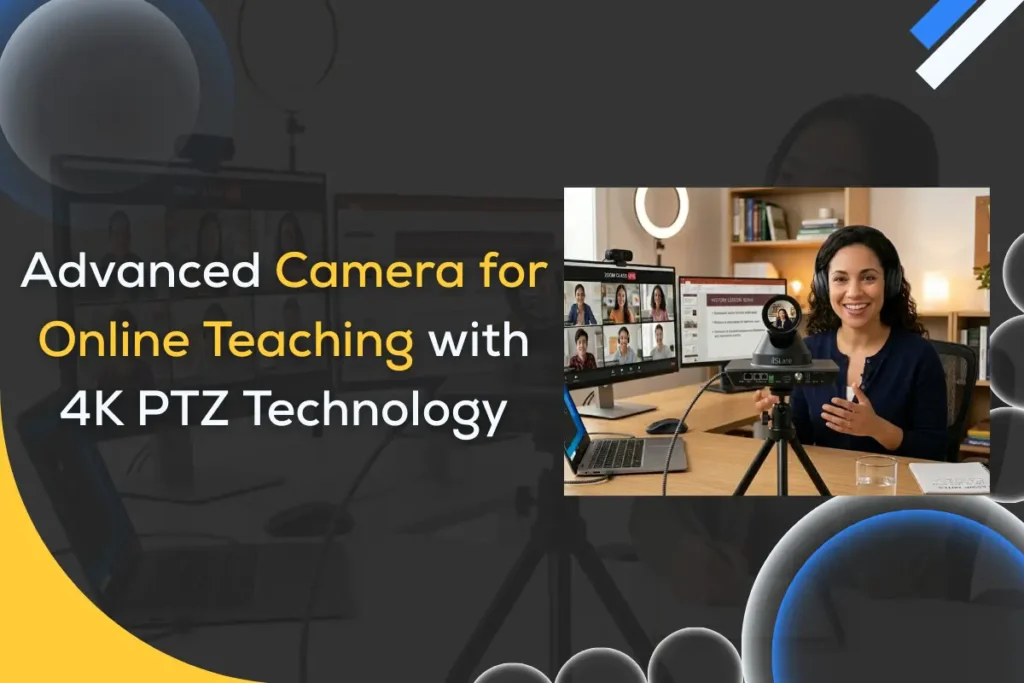
Best Camera for Online Teaching in 2026: Why 4K PTZ Cameras Are the Smart Choice

The best camera for online teaching in 2026 is no longer just a basic webcam. With hybrid classrooms, live coaching, and EdTech platforms expanding rapidly, educators need professional video clarity, smart tracking, and flexible coverage. That’s exactly why 4K PTZ cameras are becoming the preferred choice for modern teaching setups. Whether you run a coaching institute, teach from home, or manage a smart classroom, video quality directly impacts student engagement and trust. A blurry or poorly framed video can reduce attention, while a sharp, well-tracked feed creates a more immersive learning experience. This is especially true in India, where the adoption of digital education is accelerating across schools and training centers. In this expert guide, we’ll break down what makes a good camera for online teaching, compare different camera types, and explain why PTZ technology is leading the future. If you’re searching for the best camera for online teaching in India, this detailed guide will help you make a confident, future-ready decision. What Is the Best Camera for Online Teaching in 2026? The best camera for online teaching in 2026 is one that delivers clear 4K resolution, smooth motion, reliable autofocus, and flexible framing. But the right choice also depends on your teaching environment, audience size, and budget. Today’s online educators need more than just a plug-and-play webcam. Students expect studio-quality visuals, especially in paid courses and professional training programs. A good camera improves not only visibility but also authority and credibility during live sessions. In most cases, the best setup includes: Let’s understand why these factors matter. Why Camera Quality Matters More Than Ever for Online Educators Online learning has become highly competitive. Students now compare teaching quality across platforms, and video clarity plays a major role in perceived professionalism. High-quality video helps teachers: For coaching centers and EdTech platforms, investing in a good camera for online teaching is no longer optional; it’s a growth requirement. Key Differences Between Basic Webcams and Professional Teaching Cameras Basic webcams are designed for casual video calls, not structured teaching environments. They usually have fixed framing, limited zoom, and weaker sensors. Professional teaching cameras, especially PTZ models, offer: This is why many institutions are upgrading from HD webcams to dedicated teaching cameras. Who Needs a Dedicated Video Camera for Online Teaching? Not every educator needs a premium setup, but many do benefit significantly. You should consider upgrading if you are: For occasional tutors, a table camera for online teaching may work. But for serious digital educators, PTZ cameras provide long-term value and scalability. Why Are 4K PTZ Cameras Becoming the Top Choice for Online Teaching? The rise of smart classrooms and hybrid learning has pushed educators toward more advanced video solutions. Among all options, the 4K PTZ camera stands out for its flexibility, automation, and broadcast-level clarity. Unlike fixed cameras, PTZ systems allow teachers to move freely while the camera automatically adjusts framing. This creates a more natural classroom experience for remote students. What Is a 4K PTZ Camera and How Does It Work? A 4K PTZ Camera (Pan-Tilt-Zoom) is a motorized camera that can rotate horizontally, tilt vertically, and zoom optically without losing image quality. It typically works through: Because of this flexibility, one PTZ camera can replace multiple fixed cameras in a classroom setup. Benefits of PTZ Cameras for Teachers and Trainers PTZ cameras are purpose-built for dynamic teaching environments. They provide professional control without requiring a full production team. Key advantages include: For institutions scaling online programs, this technology significantly improves production efficiency. How Auto-Tracking Improves Online Classroom Engagement One of the biggest breakthroughs in modern teaching cameras is AI auto-tracking. This feature automatically follows the teacher’s movement across the room. The result is a more immersive experience because: For hybrid classrooms, auto-tracking is often the feature that delivers the highest perceived value. 4K vs HD Camera for Online Teaching: Is the Upgrade Worth It? An HD camera for online teaching may still work for small setups, but 4K is quickly becoming the new standard. HD cameras: 4K PTZ cameras: If your goal is long-term scalability and premium course delivery, upgrading to 4K is usually worth the investment. Explore Guide to Buy 4K PTZ Camera What Features Should You Look for in the Best Camera for Online Teaching? Choosing the best camera for online teaching requires careful evaluation of resolution, zoom, tracking, and connectivity. Educators should prioritize 4K clarity, optical zoom, auto-framing, and reliable low-light performance to ensure consistent teaching quality. For a deeper breakdown of must-have specifications, refer to our detailed feature guide on iSLate Technologies. Explore: 4K PTZ Camera Features Guide Which Is the Best Camera for Online Teaching in India? India’s online education ecosystem is unique. From coaching hubs to rural digital classrooms, the requirements vary widely. The best camera for online teaching in India must balance performance, affordability, and network compatibility. Unique Needs of Indian Schools, Coaching Centers, and EdTech Indian educators often operate in high-student-volume environments. Many classes are hybrid, where some students attend physically while others join online. Common requirements include: This is why many institutions are moving beyond basic webcams. Budget vs Professional Setup — What Should You Choose? Your choice depends heavily on your teaching scale. Budget setups work for: Professional setups are ideal for: If online teaching is a revenue channel, investing in a professional camera usually delivers better ROI. Internet Bandwidth Considerations in India Bandwidth stability still varies across regions. While metro cities support smooth 4K streaming, some areas may need adaptive settings. Best practice: This ensures consistent performance even during network fluctuations. Recommended Camera Types for Indian Educators Based on use cases: For most growing institutions in India, PTZ cameras offer the best long-term scalability. Best Video Camera for Online Teaching: Top Options in 2026 Choosing the best video camera for online teaching depends on your teaching environment and growth plans. Here are the major categories educators are adopting in 2026. Entry-Level HD Cameras for Online Teaching These are suitable for beginners and solo tutors. They are affordable

Blog

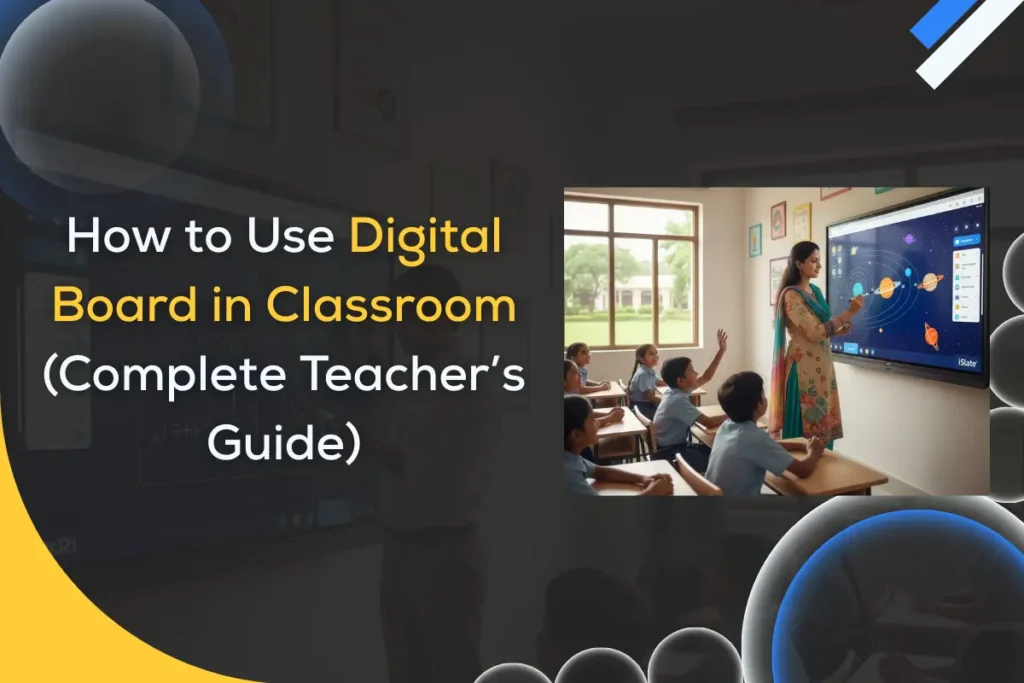
How to Use Digital Board in Classroom (Complete Teacher’s Guide)

Learning how to use a digital board in classroom settings is becoming essential for modern educators. Across India, schools are rapidly shifting from traditional chalkboards to interactive flat panels to create smarter, more engaging learning environments. Digital boards are no longer a luxury; they are becoming a core teaching tool. The transition is driven by the need for visual learning, hybrid education readiness, and government-led digital initiatives. Teachers who effectively use digital boards can improve student participation, concept clarity, and classroom efficiency. In this complete teacher’s guide, you’ll learn what a digital board is, how it works, step-by-step setup instructions, practical teaching methods, and expert strategies to get maximum value from your smart classroom investment. What Is a Digital Board in the Classroom? A digital board (also called an interactive flat panel) is a large touch-enabled display that replaces traditional blackboards and projector-based smart boards. It allows teachers to write, display multimedia content, run apps, and interact with students directly on the screen. Unlike old projector systems, modern digital boards offer 4K clarity, built-in computing, and smooth multi-touch interaction. This makes classroom teaching more dynamic, visual, and collaborative. How Does a Digital Board Work? A digital board combines display hardware, touch sensors, and embedded software into one integrated teaching device. Touch technology explained simply The screen detects finger or stylus input using infrared or capacitive touch sensors. Teachers can write, drag, zoom, and annotate directly on the panel, just like using a giant tablet. Built-in Android/Windows ecosystem Most interactive flat panels come with: This eliminates the need for external computers in many classrooms. Connectivity options (HDMI, Wi-Fi, USB) Digital boards support multiple connections: This flexibility allows teachers to switch between content sources easily. Why Should Teachers Use Digital Boards in the Classroom? Digital boards are not just about replacing chalk; they transform how students learn and interact. Schools that adopt interactive flat panels often report higher engagement and better academic outcomes. How Does a Digital Board Improve Student Engagement? Visual learning impact Students understand concepts faster when lessons include diagrams, animations, and videos. A digital board makes abstract topics more concrete and memorable. Multi-sensory teaching Interactive panels support touch, audio, and visual inputs simultaneously. This multi-sensory approach caters to different learning styles within the same classroom. Real-time interaction benefits Teachers can annotate live, run instant quizzes, and invite students to the board. This keeps attention levels high compared to passive lectures. What Learning Outcomes Improve With Interactive Teaching? Better retention rates Research and classroom experience show that students remember visual and interactive lessons longer than text-only teaching. Collaborative learning Digital boards support group problem-solving, peer presentations, and shared activities that build teamwork skills. Faster concept clarity Complex topics — especially in math and science — become easier to explain using simulations and step-by-step digital annotation. Why Are Indian Schools Rapidly Adopting Digital Boards? NEP 2020 push India’s National Education Policy emphasizes technology integration and digital literacy in classrooms. Smart classroom initiatives Many state governments and private institutions are investing heavily in smart classroom infrastructure. Hybrid learning demand Post-pandemic education requires tools that support both in-class and remote learning — digital boards make this seamless. How to Set Up a Digital Board in Your Classroom (Step-by-Step) Proper setup ensures smooth performance and long device life. Follow these practical steps used by professional installers. Step 1 — How to Install the Digital Board Properly Ideal height and placement Mount the board so the center is roughly at the teacher’s eye level. Ensure students in the back row have clear visibility without glare. Wall mounting tips Power and safety checklist Step 2 — How to Connect Internet and Devices Wi-Fi setup Connect the panel to the school’s Wi-Fi network through settings. A stable internet connection enables cloud apps and web browsing. Laptop/mobile screen sharing Use built-in casting tools to mirror: Using HDMI and USB HDMI provides the most stable wired connection, while USB ports allow quick access to files and peripherals. Step 3 — How to Configure Initial Settings Language and display settings Set the preferred language, brightness, and resolution for comfortable viewing. Touch calibration Run the touch calibration tool to ensure accurate writing and smooth interaction. User profiles Create teacher profiles if multiple faculty members will use the panel. This keeps files and settings organized. How to Use Digital Board in the Classroom for Teaching (Practical Guide) Once setup is complete, the real value comes from effective classroom usage. The goal is to move beyond basic projection and use the board interactively. How to Start a Lesson on the Digital Board Opening whiteboard software Launch the built-in whiteboard app from the home screen. Most panels provide multiple pen colors and page templates. Writing and annotation basics Use finger or stylus to: Saving notes Always save the session at the end of class. You can export notes as PDF and share with students via WhatsApp or LMS. How to Use Multimedia for Better Learning Playing educational videos Use the browser or YouTube app to stream concept videos. Pause and annotate directly over the video when explaining. Using images and diagrams Import high-resolution diagrams for subjects like biology, geography, and physics. Zoom and mark important parts in real time. Integrating YouTube and web content Bookmark trusted educational channels and websites for quick lesson access during class. How to Conduct Interactive Activities Live quizzes Use built-in quiz apps or web tools to run instant assessments during the lesson. Polls and surveys Quick polls help teachers check understanding without waiting for formal tests. Student screen sharing Invite students to cast their work onto the main panel for peer discussion and feedback. How to Use Split Screen for Multitasking Showing video + notes together Split screen allows teachers to play a video on one side and write explanations on the other. Comparing documents Useful for language classes, proofreading exercises, and data comparison. Demonstration mode Keep instructions visible while solving problems step-by-step beside them. Best Teaching Strategies Using Digital Boards Technology works best when paired with strong

Scroll to Top