
How to Create a Professional YouTube Studio Setup at Home for Beginners (Step-by-Step Guide)
Introduction
In today’s digital world, YouTube has become one of the most powerful platforms for content creators, educators, and businesses. Whether you want to start a vlog, create educational videos, or build a personal brand, having a Professional YouTube Studio Setup at home is essential for success.
With the growing demand for high-quality content, viewers now expect clear audio, sharp visuals, and professional presentation. This is where companies like iSLate play an important role by providing advanced digital studio solutions that help creators and teachers build professional setups easily.
If you are wondering how to set up a YouTube studio at home, this step-by-step guide will help you understand everything—from equipment to setup, budget, and optimization. Even if you are a beginner, you can create a high-quality professional video recording setup at home without spending too much.
Why You Need a Professional YouTube Studio Setup
Before jumping into the setup process, it is important to understand why a professional setup matters.
1. Better Video Quality
High-quality videos attract more viewers and increase watch time. A proper setup ensures:
- Clear visuals
- Good lighting
- Professional framing
2. Improved Audio Quality
Audio is more important than video. A good microphone removes background noise and improves clarity.
3. Builds Trust and Brand
A professional setup makes your content look credible and increases audience trust.
4. Consistency in Content
Having a fixed setup helps maintain consistency in your videos.
Step 1: Choose the Right Space at Home
The first step in creating a YouTube studio setup at home is selecting the right location.
What to Look For:
- Quiet environment (less noise)
- Good natural lighting (optional)
- Enough space for camera and lighting
Pro Tip:
Even a small room can work if you organize it properly. Many creators build a small room YouTube studio setup successfully.
Step 2: Plan Your Studio Setup Layout
Before buying equipment, plan your layout.
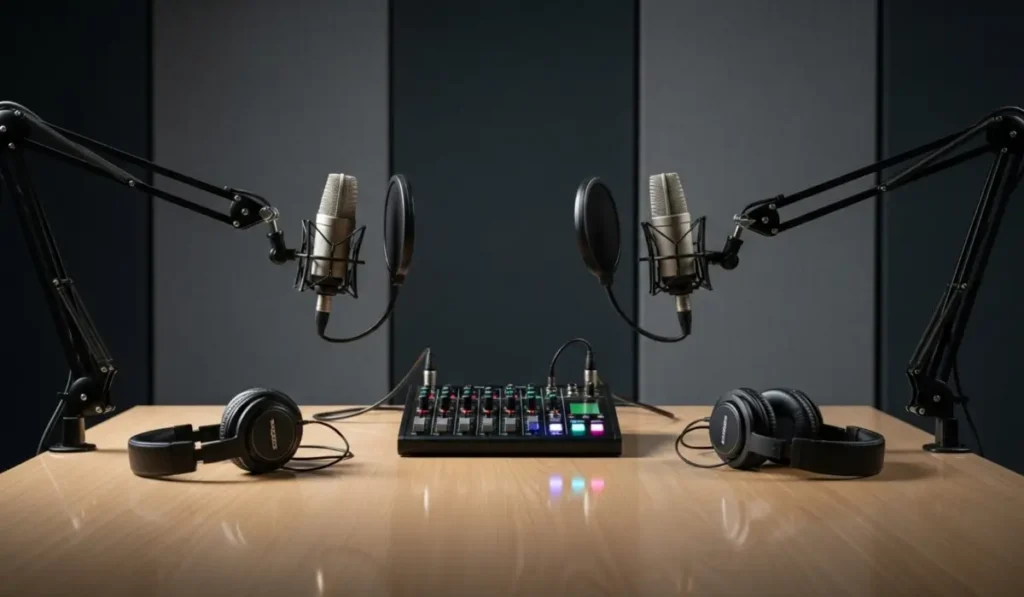
Basic Layout Includes:
- Camera position
- Lighting placement
- Background setup
- Audio setup
This planning helps you create a clean and efficient professional video recording setup at home.
Step 3: Camera Setup for YouTube Studio
A camera is one of the most important parts of your studio.
Options for Beginners:
- Smartphone (budget-friendly)
- DSLR or Mirrorless Camera (professional)
- Webcam (for tutorials and online classes)
Key Features to Look For:
- Full HD or 4K recording
- Good autofocus
- Low-light performance
Also Read : Corporate Display Solutions in India for Smart Offices
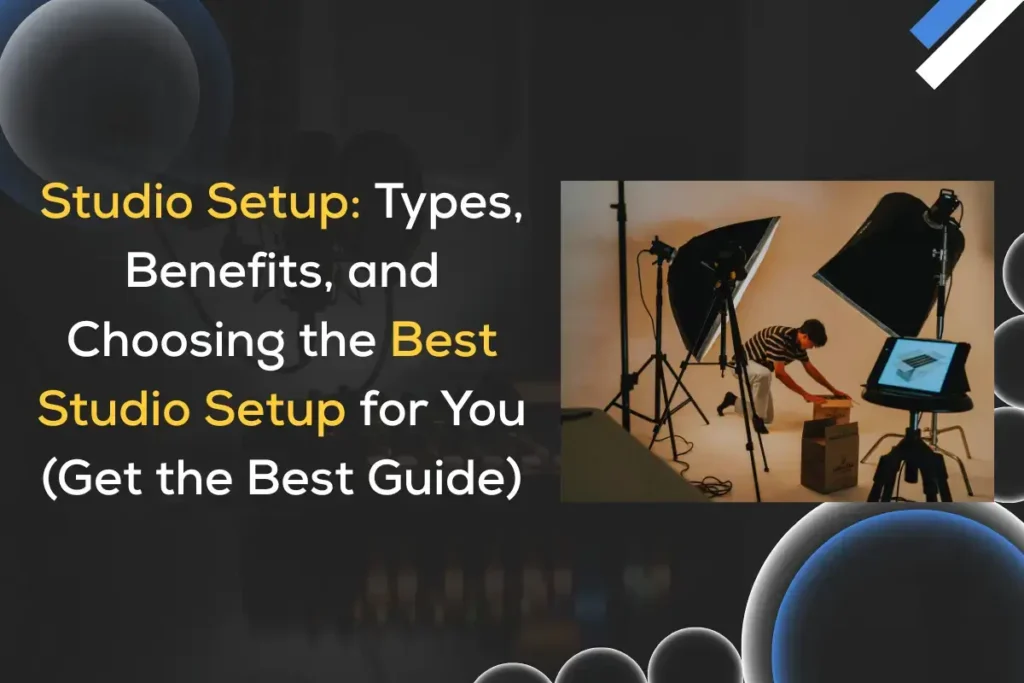
Step 4: Lighting Setup (Very Important)
Lighting can completely change the quality of your video.
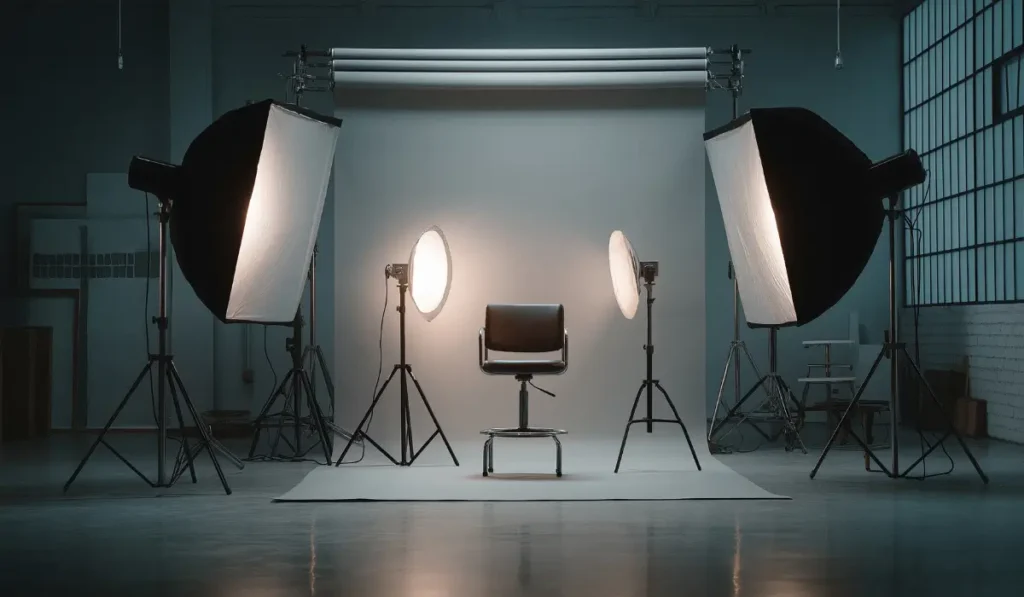
Types of Lighting:
- Ring Light (best for beginners)
- Softbox Lights
- LED Panels
Basic Lighting Setup:
- Main light (front)
- Fill light (side)
- Backlight (optional)
This setup ensures your videos look professional and clear.
Step 5: Microphone Setup for Clear Audio
Audio quality is critical in a Professional YouTube Studio Setup.
Best Microphone Options:
- Lavalier mic (clip mic)
- Condenser microphone
- USB microphone
Why Good Audio Matters:
- Reduces background noise
- Improves clarity
- Keeps audience engaged
Step 6: Background Setup (Visual Appeal)
Your background plays a big role in how your video looks.
Popular YouTube Studio Setup Ideas:
- Clean wall with minimal design
- Bookshelf background
- LED light setup
- Green screen setup
Pro Tip:
Keep your background simple and distraction-free.
Step 7: Use Tripod and Stabilization
To avoid shaky videos, always use:
- Tripod
- Camera stand
This ensures stable and professional recording.
Step 8: Add Smart Tools for Advanced Setup
To make your studio more professional, you can use smart tools.
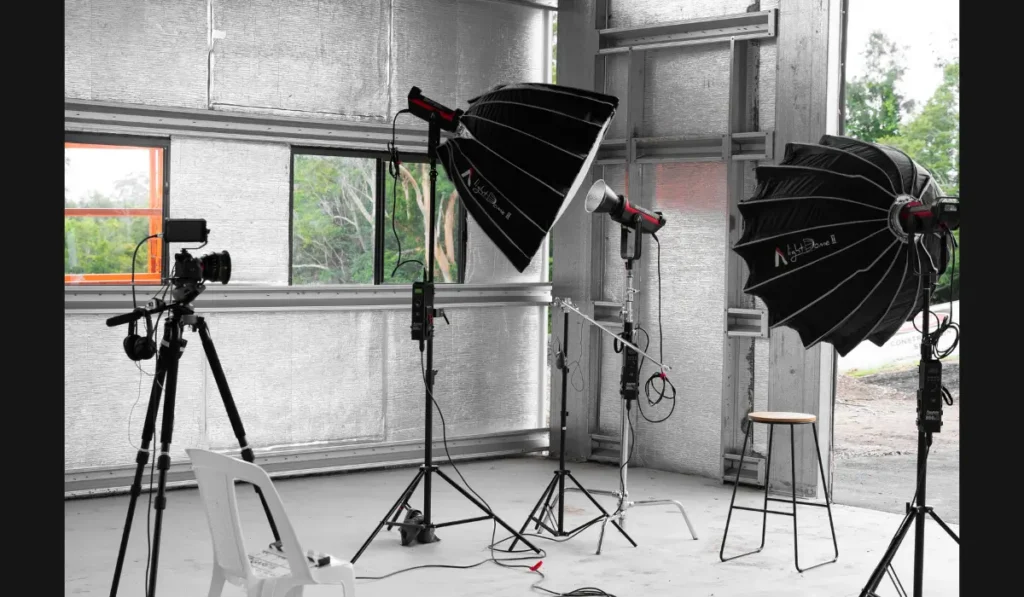
Advanced Options:
- Smart boards
- Digital writing pads
- Screen recording tools
Solutions provided by iSLate are especially useful for:
- Teachers
- Online educators
- Content creators
These tools enhance your interactive video content.
Step 9: Software for Recording and Editing
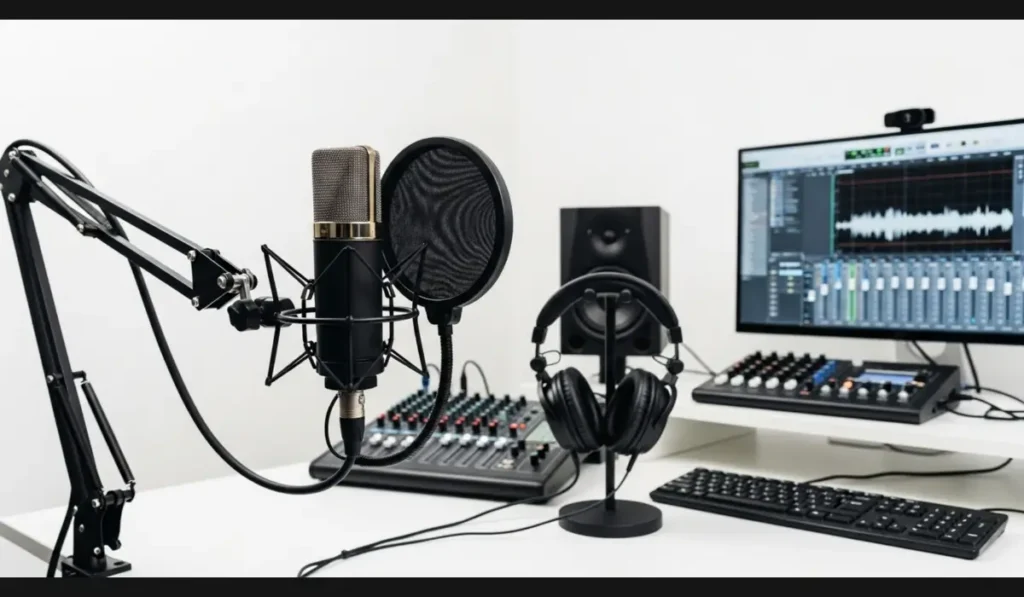
Recording Software:
- OBS Studio
- Streamlabs
Editing Software:
- Filmora
- Adobe Premiere Pro
- DaVinci Resolve
Editing helps improve:
- Video quality
- Transitions
- Audio clarity
Step 10: Internet and Upload Setup
A good internet connection is necessary for:
- Uploading videos
- Live streaming
Recommended Speed:
- At least 10 Mbps upload speed
Also Read : How iSLate Technologies is Transforming Digital Education in India
YouTube Studio Setup Cost in India
One of the most common questions is about cost.
Budget Setup (Beginner):
- Smartphone
- Ring light
- Basic mic
Cost: ₹5,000 – ₹15,000
Mid-Level Setup:
- DSLR camera
- Softbox lights
- Good microphone
Cost: ₹25,000 – ₹60,000
Professional Setup:
- Advanced camera
- Multiple lights
- Studio setup tools
Cost: ₹80,000+
This shows that you can start small and upgrade later.
Best YouTube Studio Setup for Beginners
If you are just starting, focus on:
- Good lighting
- Clear audio
- Simple background
You do not need expensive equipment in the beginning.
Common Mistakes to Avoid
1. Ignoring Audio Quality
Bad audio can ruin your video.
2. Overcomplicated Setup
Keep it simple in the beginning.
3. Poor Lighting
Lighting matters more than camera quality.
4. No Planning
Always plan your setup before recording.
YouTube Studio Setup Ideas for Different Creators
1. For Teachers
- Smart board
- Digital pen
- Screen recording
2. For Vloggers
- Portable setup
- Natural lighting
3. For Educators
- iSLate digital studio
- Interactive tools
How iSLate Helps in Professional Studio Setup
iSLate provides advanced solutions for:
- Digital teaching
- Content creation
- Smart studio setup
It is ideal for:
- Teachers
- Coaches
- YouTubers
Their solutions make it easier to create a Professional YouTube Studio Setup without technical complexity.
Company Details
iSLate Technologies
Physical Address:
B-05 Sector-64, Noida, Gautam Buddha Nagar, Uttar Pradesh – 201301
Contact Information
Phone Number:
+91-99-7171-6268
Email Address:
info@islatetechnologies.com
Also Read : Best Digital Studio for Teachers and Educators in India for Online & Hybrid Teaching
Future of YouTube Content Creation
The future of content creation is:
- Digital
- Interactive
- High-quality
Creators who invest in a good setup will grow faster.
Conclusion
Creating a Professional YouTube Studio Setup at home is not difficult if you follow the right steps. You can start with basic equipment and gradually upgrade your setup as you grow.
Focus on:
- Good lighting
- Clear audio
- Simple background
With the help of modern tools and solutions like iSLate, even beginners can build a powerful and professional setup.
If you are serious about content creation, now is the best time to start. A well-planned YouTube studio setup at home can help you create high-quality content, grow your audience, and build a successful online presence.
FAQs
1. How to set up a professional YouTube studio at home for beginners?
To set up a professional YouTube studio at home, start by choosing a quiet space, then arrange proper lighting, a good camera, and a quality microphone. Keep your background clean and use basic editing tools to improve video quality. Beginners can start with a low-budget setup and upgrade gradually.
2. What equipment is needed for a professional YouTube studio setup?
A professional YouTube studio setup requires:
- Camera or smartphone
- Microphone (lavalier or condenser)
- Lighting (ring light or softbox)
- Tripod or stand
- Background setup
These tools help create high-quality video and audio content.
3. What is the YouTube studio setup cost in India?
The cost of a YouTube studio setup in India depends on your budget:
- Beginner setup: ₹5,000 – ₹15,000
- Mid-level setup: ₹25,000 – ₹60,000
- Professional setup: ₹80,000 and above
You can start small and upgrade as your channel grows.
4. What is the best YouTube studio setup for beginners?
The best YouTube studio setup for beginners includes a smartphone camera, ring light, and a basic microphone. Focus on good lighting and clear audio rather than expensive equipment.
5. How can I improve video quality in a home YouTube studio setup?
To improve video quality:
- Use proper lighting
- Record in a quiet environment
- Use a good microphone
- Keep your camera stable
- Edit your videos professionally
These steps help create a professional video recording setup at home.



Pingback: Podcast Studio Setup Cost in India (2026 Guide)