
Digital boards have transformed classrooms, boardrooms, and control centers—but one component quietly powering this transformation is OPS. If you’ve ever wondered what is OPS in the digital board, how it works, or why it matters, this guide answers everything in depth.
This article explains OPS from basics to advanced use cases, covers related technologies, includes real-world examples, statistics, and expert insights, and is written to serve as an authoritative reference for search engines and readers alike.
What Is OPS in the Digital Board?
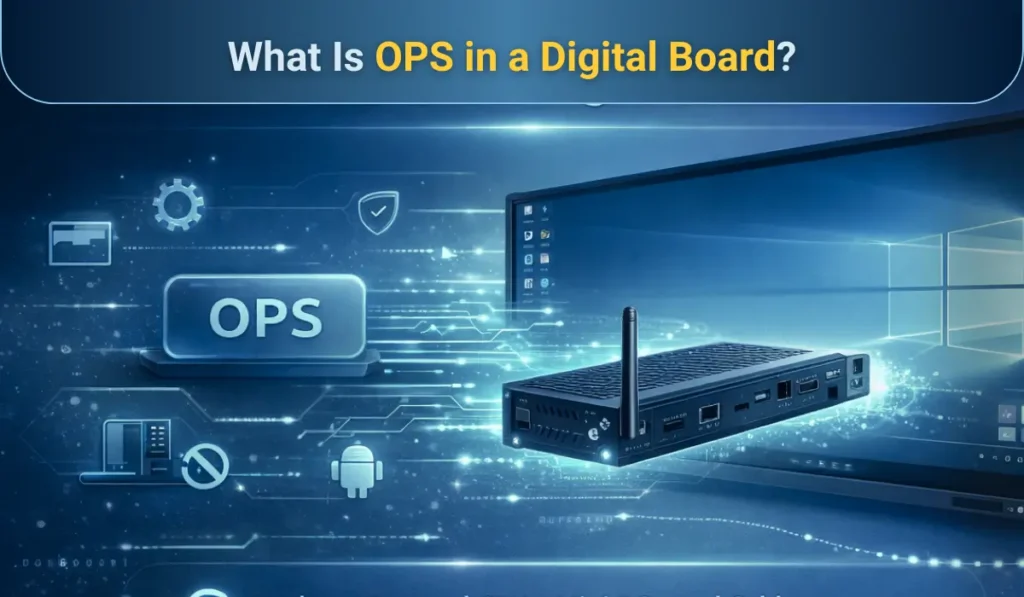
OPS (Open Pluggable Specification) is a standardized computing module that can be plugged directly into a digital board or interactive flat panel to turn it into a fully functional computer.
In simple terms, OPS replaces external CPUs, cables, and mini PCs by embedding a complete computing system inside the digital board itself. This allows the digital board to run operating systems like Windows or Android, applications, and software seamlessly.
The OPS standard was introduced by Intel in collaboration with major display manufacturers to simplify installation, improve compatibility, and enhance performance.
Why Is OPS Important in Digital Boards?
OPS matters because it centralizes computing power, reduces clutter, and improves system reliability.
Before OPS, digital boards required:
- External CPUs or laptops
- Multiple HDMI, USB, and power cables
- Separate mounting solutions
OPS solves these issues by providing:
- Plug-and-play computing
- Cleaner installation
- Faster boot times
- Better heat management
- Enterprise-level scalability
According to industry reports, over 65% of enterprise and education interactive displays now ship with OPS slots, highlighting their growing adoption.
How Does OPS Work in an Interactive Digital Board?
OPS works as an internal modular PC that slides into a dedicated OPS slot behind or inside the digital board.
Here’s how it functions in digital board:
- The OPS module contains CPU, RAM, storage, GPU, and OS
- It connects internally via standardized connectors
- Power, display output, audio, and USB are shared directly
- The board boots using the OPS system instead of an external device
This design ensures maximum performance with minimum setup time.
OPS Full Form and Meaning Explained
OPS stands for Open Pluggable Specification.
- Open – Works across multiple brands
- Pluggable – Easily insert or remove
- Specification – Industry-defined hardware standard
This openness ensures cross-compatibility, making OPS modules usable across many digital board brands such as iSLate, Samsung, LG, ViewSonic, BenQ, and more.
OPS vs Built-In Android Systems: What’s the Difference?
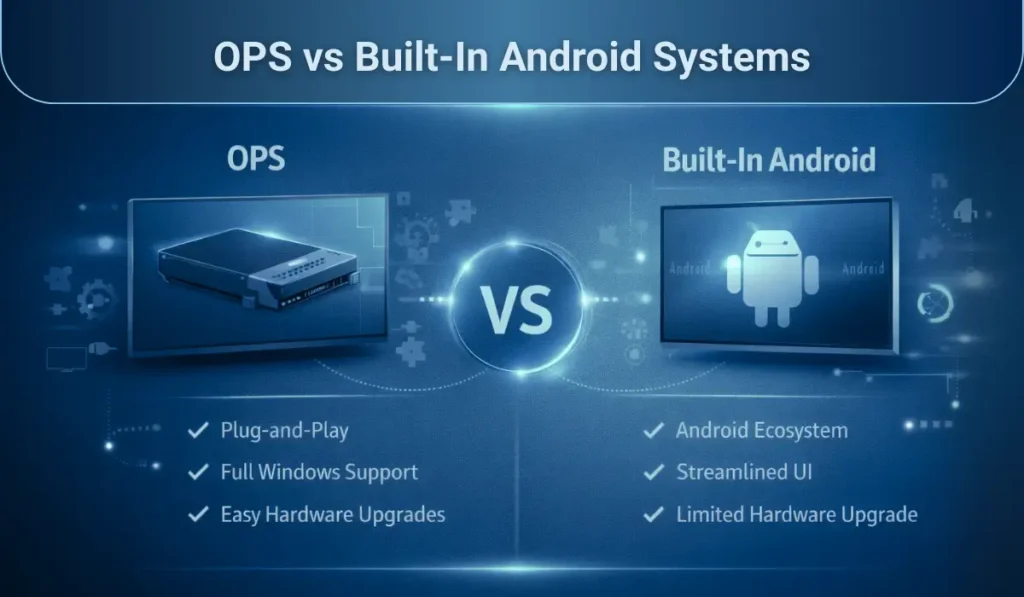
Many digital boards today come with built-in Android operating systems, which are great for basic tasks like screen sharing, annotation, and running lightweight apps. However, when organizations require higher performance, deeper software compatibility, and enterprise-grade functionality, Android alone often falls short.
This is where OPS (Open Pluggable Specification) becomes essential. OPS transforms a digital board into a full-fledged computer, capable of running Windows or Linux operating systems just like a desktop or laptop. This enables users to install professional software, manage multiple applications simultaneously, and integrate seamlessly with existing IT infrastructure.
The table below highlights the key differences between OPS modules and built-in Android systems to help you choose the right solution for your digital board.
OPS vs Android Comparison Table
| Feature | OPS Module | Built-in Android |
| OS Flexibility | Windows / Linux | Android only |
| Performance | High (Intel CPU) | Moderate |
| Software Compatibility | Full PC apps | Limited apps |
| Multitasking | Advanced | Basic |
| Enterprise Use | Ideal | Limited |
| Upgradeability | Easy | Restricted |
OPS is preferred in professional environments where advanced software, multitasking, and security are required.
What Are the Key Components of an OPS Module?
An OPS module is essentially a compact PC that is purpose-built to fit directly inside a digital board or interactive flat panel. Core components include:
- Processor (Intel Core i3/i5/i7 or Celeron)
- RAM (8GB–32GB)
- Storage (SSD / NVMe, 128GB–1TB)
- Graphics (Integrated Intel UHD)
- Connectivity (Wi-Fi, Bluetooth, LAN)
- Ports (USB, HDMI, Type-C)
Modern OPS modules also support 4K resolution, AI workloads, and hardware acceleration.
Types of OPS Modules Used in Digital Boards
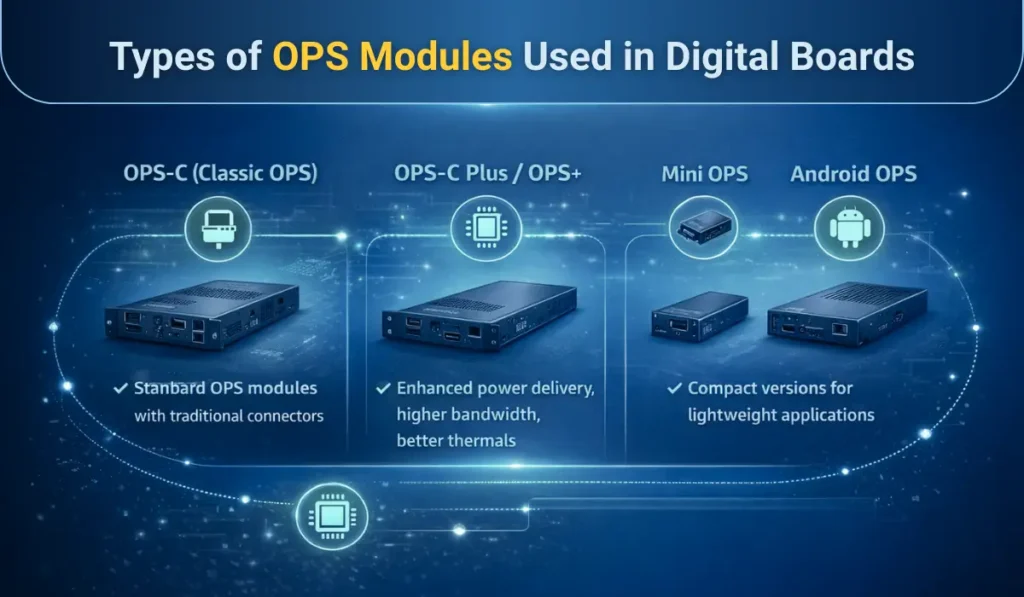
OPS modules come in different types, each designed to meet specific performance, power, and application requirements. Understanding these OPS variants helps users choose the right computing solution for their digital board based on usage, workload, and environment.
1. OPS-C (Classic OPS)
Standard OPS modules with traditional connectors.
2. OPS-C Plus / OPS+
Enhanced power delivery, higher bandwidth, better thermals.
3. Mini OPS
Compact versions for lightweight applications.
4. Android OPS
Hybrid OPS modules running Android OS.
What Is OPS Used For in Digital Boards?
OPS is used across multiple industries due to its flexibility, modular design, and ability to deliver PC-level performance directly through digital boards.
Education
- Smart classrooms
- Online teaching
- LMS integration
- Interactive learning apps
Corporate
- Video conferencing
- Presentations
- Collaboration tools (Teams, Zoom)
- Digital whiteboarding
Healthcare
- Medical imaging
- Telemedicine
- Patient education displays
Retail & Signage
- Interactive kiosks
- Digital menus
- Wayfinding systems
Case Study: OPS in Smart Classrooms
A 2023 study by EdTech Review showed that schools using OPS-powered digital boards saw:
- 28% increase in classroom engagement
- 35% reduction in IT maintenance issues
- Faster software deployment across campuses
One university replaced external CPUs with OPS modules across 120 classrooms, reducing cabling costs.
OPS in Digital Boards for Corporate Collaboration
OPS has become essential in hybrid work environments.
Companies using OPS-enabled boards report:
- Faster meeting startup times
- Fewer connection failures
- Better security through OS-level controls
According to Frost & Sullivan, enterprises using integrated computing solutions like OPS experience up to 22% higher meeting efficiency.
Advantages of OPS in Digital Boards
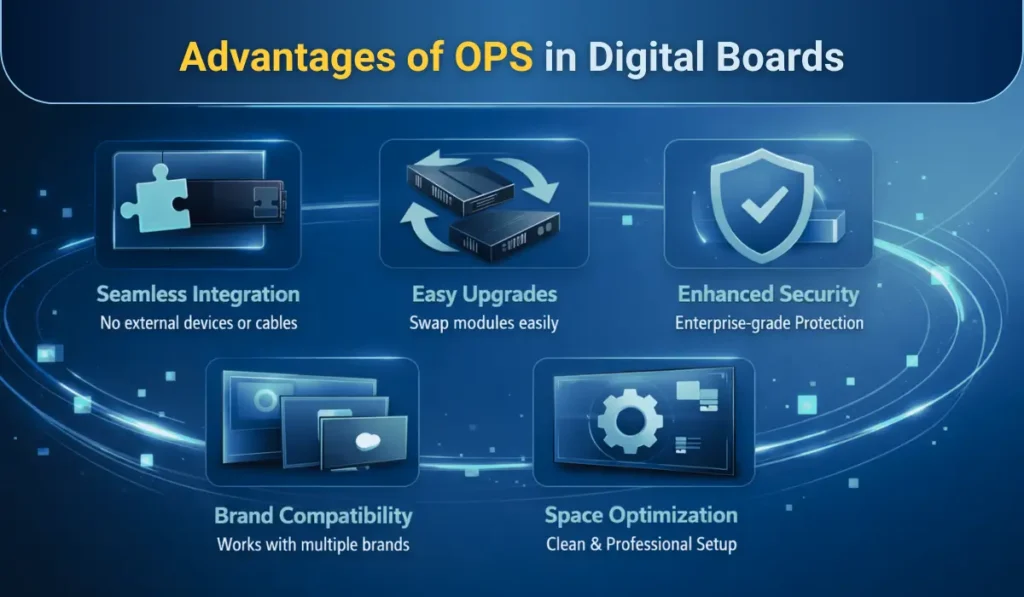
OPS modules bring multiple benefits that make digital boards more efficient, reliable, and user-friendly. From smoother installations to better performance, these advantages help organizations maximize productivity and reduce maintenance hassles.
1. Seamless Integration
OPS eliminates external devices and cables.
2. Easy Upgrades
Swap OPS modules without replacing the display.
3. Brand Compatibility
Works across multiple manufacturers.
4. Enhanced Security
Enterprise-grade OS security and encryption.
5. Space Optimization
Clean and professional installations.
Limitations of OPS You Should Know
OPS is powerful, but not perfect.
- Higher upfront cost than Android
- Limited GPU performance for heavy 3D work
- Requires ventilation and thermal management
For basic use cases, built-in Android may be sufficient.
OPS vs External Mini PC: Which Is Better?
OPS offers:
- Cleaner design
- Better cable management
- Native integration
Mini PCs offer:
- Lower cost
- Flexibility outside displays
For permanent installations, OPS is the superior choice.
How to Choose the Right OPS for a Digital Board?
Choosing the right OPS module ensures your digital board performs smoothly and meets your specific needs. Consider your usage scenario carefully to select a module that balances performance, compatibility, and cost.
Key Factors to Consider:
- Use case (education, corporate, signage)
- Required OS
- RAM and storage needs
- Software compatibility
- Budget and lifecycle planning
Tip: Always match OPS specifications with your digital board’s resolution and refresh rate.
OPS Compatibility: What You Need to Check
Before buying OPS:
- Confirm the OPS slot standard
- Check power requirements
- Verify OS licensing
- Ensure thermal compatibility
Most modern interactive flat panels support Intel OPS standards.
Future of OPS in Digital Boards
OPS continues to evolve, moving far beyond its original role as just a plug-and-play computing module. The future of OPS is closely tied to advancements in AI, cloud computing, and next-generation processor architectures, making digital boards smarter, faster, and more versatile than ever before. As digital transformation accelerates in education, corporate, and retail sectors, OPS is positioned to become the central computing hub for interactive displays.
Emerging Trends:
- AI-enabled OPS modules
- Edge computing integration
- Cloud-managed OPS fleets
- OPS with ARM processors
Industry experts predict the OPS market will grow at a CAGR of 6.8% through 2030.
Final Thoughts: Is OPS Worth It?
OPS is more than a built-in option—it’s a strategic technology decision that shapes how future-ready your digital board investment will be. By integrating computing power directly into the display, OPS in the digital board delivers a cleaner setup, stronger performance, and long-term flexibility that external devices often can’t match.
If your organization requires scalability, enterprise-grade software compatibility, robust security, and consistent performance, OPS is not just worth it—it’s the smarter choice. It allows digital boards to evolve with changing software needs, operating systems, and use cases without requiring a full hardware replacement.
As digital boards continue to play a critical role in modern classrooms, corporate collaboration spaces, and smart environments, OPS ensures these systems remain powerful, adaptable, and easy to manage. For institutions looking to maximize ROI, reduce IT complexity, and stay technologically relevant, investing in OPS is a forward-thinking decision that pays off over time.



Pingback: Choose the Right Interactive Flat Panel for a Classroom & Workspace
Pingback: How to Choose the Best OPS for the Interactive Panel Complete Guide