
In an era where digital transformation is reshaping the way we communicate, teach, and engage audiences, smart podiums have emerged as essential tools in modern presentation environments. From classrooms to boardrooms, and from conference halls to places of worship, smart podiums enhance visibility, interaction, and professionalism. But choosing the right smart podium isn’t a one-size-fits-all decision; it necessitates a nuanced understanding of use case, space, technology needs, audience size, and long-term goals.
This comprehensive smart podium buying guide will walk you through everything you need to know about buying a smart podium, how to assess your environment, compare features for different applications, select the right hardware & software, and avoid common pitfalls. Whether you’re outfitting a university lecture hall, a corporate meeting space, or a church sanctuary, this article is your go-to resource for making an informed decision.
What Is a Smart Podium?
A smart podium (sometimes called a digital lectern or interactive podium) is an all-in-one presentation control station that integrates display technology, input controls, connectivity ports, and often interactive touchscreens. It replaces traditional wooden or analog podiums and gives presenters powerful tools, such as:
- Touchscreen control panels
- Integrated computers or BYOD (Bring Your Own Device) docking
- Wireless screen mirroring
- Control of room AV systems
- Camera & microphone management
- Annotation and content delivery tools
Unlike old-style lecterns, smart podiums are designed for modern digital presentation workflows, whether it’s delivering a lecture, hosting a webinar, or leading a worship service.
Why Smart Podiums Are Essential Today
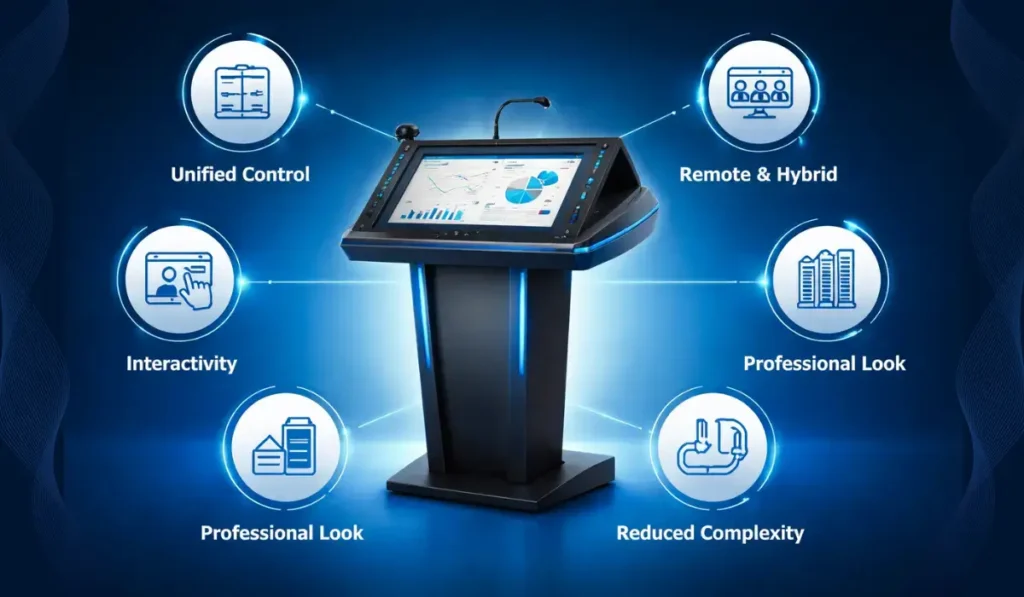
Traditional podiums are static — a flat surface to hold notes and nothing more. But modern presentation environments demand dynamic engagement, interactivity, and seamless multimedia integration.
Here are some key reasons smart podiums matter:
Unified Control: One place to manage displays, audio, cameras, lighting, and content.
Remote & Hybrid Readiness: Ideal for hybrid meetings & remote learners.
Interactivity: Touchscreen annotation enhances engagement.
Professionalism & Aesthetics: Sleek, modern designs that elevate any space.
Reduced Complexity: No more tangled cables or multiple devices.
With the right smart podium, organizations can streamline operations, improve audience experience, and support future-ready communication.
Want to know how to set up a Digital Podium? Explore this smart digital podium setup guide.
Education — Smart Podiums for Schools & Universities
Education environments are among the biggest adopters of smart podiums. From K-12 classrooms to university lecture halls, smart podiums improve teaching and learning outcomes.
Explore the full guide to know how smart podiums improve Teaching and how teachers use a digital podium in the classroom
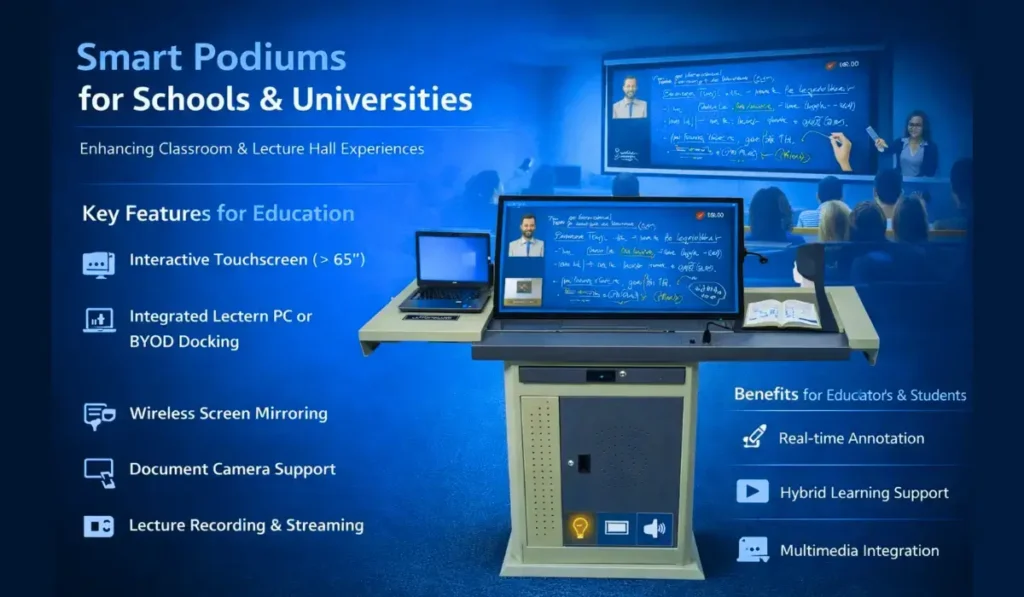
Key Features for Education
Interactive Touchscreen (≥ 65″) — Enables annotation, whiteboarding, and gesture control.
Integrated Lectern PC or BYOD Docking — Instructors can share content from laptops, tablets, or USB devices.
Wireless Screen Mirroring — For students or guest instructors to cast content without cables.
Document Camera Support — Display physical documents or 3D objects on screen.
Lecture Recording & Streaming — Essential for asynchronous learning.
Multiple Input Ports — HDMI, USB-C, VGA (for legacy support).
Benefits for Educators & Students
Smart podiums empower teachers to deliver content in more engaging, interactive, and student-centric ways. Some standout advantages:
Real-time Annotation: Teachers can annotate slides, diagrams, and documents during lessons.
Hybrid Learning Support: Record lectures easily or stream live to remote students.
Multimedia Integration: Share videos, interactive 3D diagrams, and simulations.
Engagement Tracking: Some systems integrate with LMS platforms for attendance and analytics.
Typical Configurations for Education
| Classroom Type | Recommended Smart Podium Type | Notes |
| Small Classroom | Compact touchscreen podium | Focus on interactivity & simplicity |
| Large Lecture Hall | Dual screens + built-in PC + wireless mirroring | For rich multimedia & distance learning |
| Seminar Rooms | BYOD support + document camera | Flexible for guest speakers |
Corporate — Smart Podiums for Meetings & Events
In corporate environments, smart podiums support presentations, training sessions, executive briefings, and hybrid collaboration.
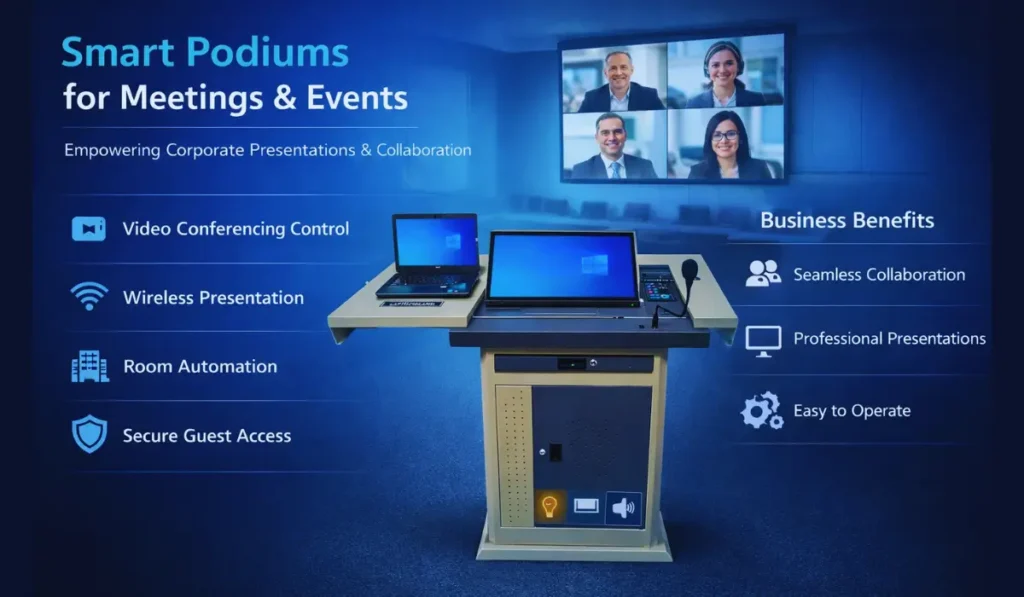
Key Features for Corporate Use
- Integrated Video Conferencing Controls — Manage Zoom/Teams/Webex directly.
- Wireless Presentation (e.g., AirPlay, Miracast) — Effortless BYOD support.
- Room Automation Integration — Lights, blinds, screens, and audio controlled through the podium.
- Secure Guest Access — Protect corporate networks.
- Multi-Microphone & Camera Control — Ideal for boardrooms and conference spaces.
Benefits for Businesses
Smart podiums help organizations conduct more efficient, professional, and collaborative meetings.
- Improved Collaboration: Connect remote and in-person teams seamlessly.
- Professional Presentations: High-quality visuals & polished delivery.
- Easy Operation: Even non-technical staff can manage complex AV setups.
- Flexibility: Supports everything from small huddles to large all-hands meetings.
Read This Also: Guide on What are the benefits of Digital Podiums
Typical Configurations for Corporate Spaces
| Meeting Room Type | Recommended Podium Features |
| Huddle Room | Wireless presentation + conferencing control |
| Medium Boardroom | Touchscreen + cameras + mic control |
| Large Auditorium | Dual podium support + full AV integration |
Houses of Worship — Smart Podiums for Faith-Based Spaces
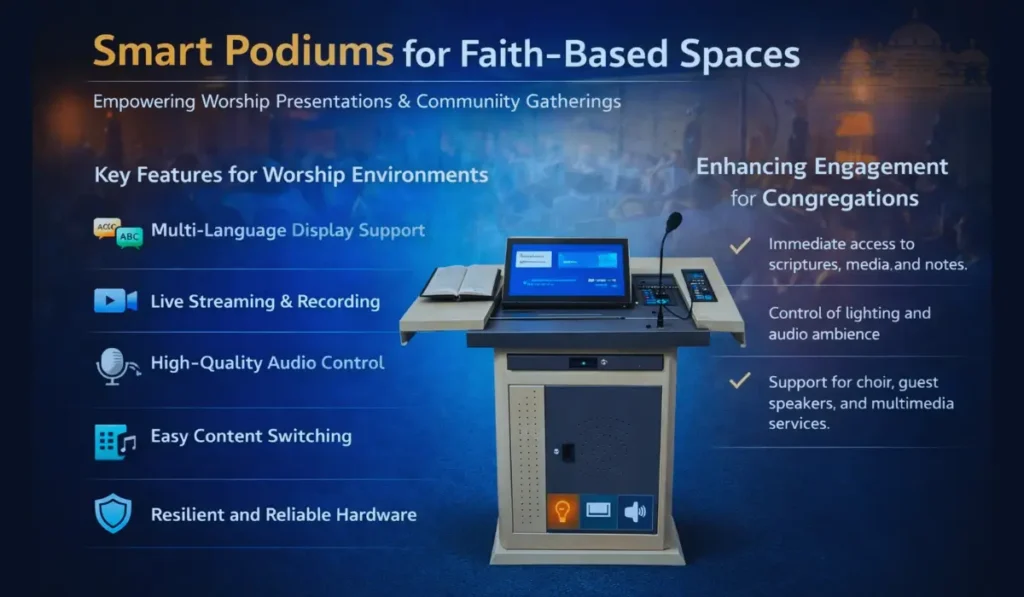
Churches, temples, mosques, and worship halls have unique presentation needs. Beyond sermons, many houses of worship host seminars, community gatherings, and live streaming events.
Key Features for Worship Environments
- Multi-Language Display Support — For diverse congregations.
- Live Streaming & Recording — Reach remote worshippers.
- High-Quality Audio Control — Microphone mixing, audience mics.
- Easy Content Switching — Hymns, scriptures, videos, announcements.
- Resilient and Reliable Hardware — For long hours of operation.
Enhancing Engagement for Congregations
Smart podiums help worship leaders focus on message delivery without technical distractions:
- Immediate access to scriptures, media, and notes.
- Control of lighting and audio ambience.
- Support for choir, guest speakers, and multimedia services.
Typical Configurations for Worship Spaces
| Worship Space Size | Recommended Setup |
| Small Chapel | Compact podium with streaming support |
| Mid-Size Sanctuary | Touchscreen + integrated audio control |
| Large Cathedral | Full AV integration + multi-zone audio |
Technical Criteria for Choosing the Right Smart Podium
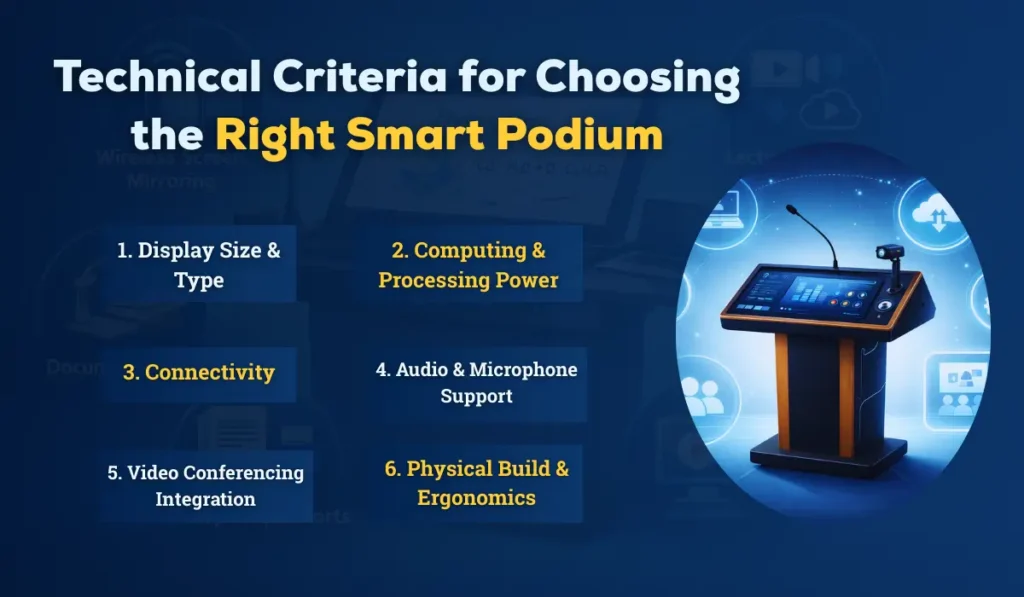
When evaluating smart podiums, focus on these critical:
1. Display Size & Type
- Minimum 65″ touchscreen for larger spaces.
- Anti-glare & high brightness for readability in bright rooms.
- Multi-touch support (10+ points) for group collaboration.
2. Computing & Processing Power
- Built-in Windows/Android PC vs BYOD docking.
- CPU/GPU sufficient for video playback, annotation, and conferencing.
3. Connectivity
- HDMI, USB-C, VGA (legacy)
- Ethernet + Wi-Fi
- Bluetooth for peripherals
4. Audio & Microphone Support
- Integrated speakers (quality varies)
- Support for wired/wireless microphones
5. Video Conferencing Integration
- Native support or compatibility with Zoom, Teams, and Webex.
6. Physical Build & Ergonomics
- Adjustable height
- Cable management
- Ventilation
- Lockable access panels
Integration with AV & Software Ecosystems
Smart podiums must integrate with:
- Room Control Systems (Crestron/AMX)
- Learning Management Systems (LMS)
- Video Conferencing Platforms
- Digital Signage
- Audio DSPs & Mixer Systems
A smart podium isn’t just hardware; it’s the control hub for your entire presentation ecosystem.
Installation, Maintenance & Support
Good technology is only as valuable as its support infrastructure:
- Professional Installation: Ensures reliable wiring, network integration, and calibration.
- Ongoing Maintenance: Software updates, firmware patches, hardware checks.
- Training: For administrators and end users.
With iSLate Technologies’ deployment services, you get end-to-end support — from consultation to installation to after-sales training.
Budgeting & Pricing Considerations
Smart podium costs vary based on features, size, and integration complexity. Typical ranges include:
| Tier | Approx. Cost | Features |
| Entry | ₹1,00,000–₹2,50,000 | Basic touchscreen + BYOD |
| Mid | ₹2,50,000–₹5,00,000 | Integrated PC + AV control |
| Premium | ₹5,00,000+ | Full AV integration + conferencing + automation |
Avoid underinvestment; cheaper podiums often lack responsiveness, integration capability, or long-term reliability.
ROI: Evaluating Long-Term Value
Smart podiums are investments — and like all tech investments, they should justify themselves over time.
Return Drivers
- Reduced downtime & tech support calls
- Enhanced engagement & learning outcomes
- Greater professional impact in presentations
- Support for hybrid/remote participants
- Extended lifespan with upgrades
Calculate your ROI by considering productivity gains, reduced equipment redundancy, and increased user satisfaction.
How iSLate Technologies Can Help
At iSLate Technologies(iSlate), we specialize in smart podium solutions tailored for:
- Education — from schools to universities
- Corporate — from huddle rooms to auditoriums
- Houses of Worship — sanctuaries & multi-purpose halls
Our services include:
- Customized solution design
- Hardware procurement & installation
- Software setup & integration
- End-user training & ongoing support
- Hybrid learning & conferencing deployment
We bring global experience and local presence to ensure your smart podium solution fits your exact needs.
Final Checklist: Smart Podium Buying Guide Summary
Before you make a purchase, ask yourself:
- What is my primary use environment — education, corporate, or worship?
- What display size & touch functionality do I need?
- Do I need built-in PC or BYOD support?
- How will the podium integrate with existing systems?
- What conferencing and streaming features are required?
- What are my budget and ROI expectations?
- Do I have professional installation and support?
Conclusion
Smart podiums are no longer a luxury; they are a modern necessity for spaces that demand powerful, intuitive, and flexible presentation tools. Whether you’re inspiring students, leading board meetings, or guiding congregations, the right smart podium elevates every experience.
Take the time to assess your needs, understand the features that matter most, and choose a solution that fits your long-term goals. And when you’re ready, iSLate Technologies is here to help you every step of the way, from concept to installation and beyond.


Pingback: Smart Digital Podium Setup Guide for Teachers and IT Teams
Pingback: Digital Podium for Classroom | Transform Teaching & Learning
Pingback: Benefits of Digital Podiums | Smart Presentation & Teaching Guide