
In today’s fast-moving digital world, live streaming has become an essential part of almost every industry, from education and corporate meetings to religious events, weddings, and professional productions. At the heart of every high-quality live stream lies one critical device — the camera.
Among all camera types, 4K PTZ cameras (Pan-Tilt-Zoom) are emerging as the most popular and versatile tools for professional live streaming setups. These cameras offer crystal-clear resolution, remote operation, and flexible mounting options, making them ideal for Indian use cases such as classrooms, studios, and event halls.
But with so many options available in the market, the big question arises:
How do you choose the best 4K PTZ camera for live streaming setups?
In this guide, we’ll take you through every important factor you need to consider — from resolution and optical zoom to connectivity, installation, and even budget. We’ll also discuss the key benefits of using a 4K PTZ camera, common applications, and provide some expert tips to help you make an informed decision.
What is a 4K PTZ Camera?
A PTZ camera is a type of camera that can Pan (move left-right), Tilt (move up-down), and Zoom (in-out), usually through a remote controller, joystick, or software.
When combined with 4K resolution (3840×2160 pixels), you get a camera that captures ultra-high-definition video and provides dynamic control over framing, movement, and focus — perfect for professional live streaming setups.
In simple words,
“A 4K PTZ camera is like having a professional cameraman — without needing one physically behind the camera!”
Why Choose a 4K PTZ Camera for Live Streaming?
If you’re streaming from a classroom, temple, office, conference, or YouTube studio — a best 4K PTZ camera can drastically enhance the viewer experience.
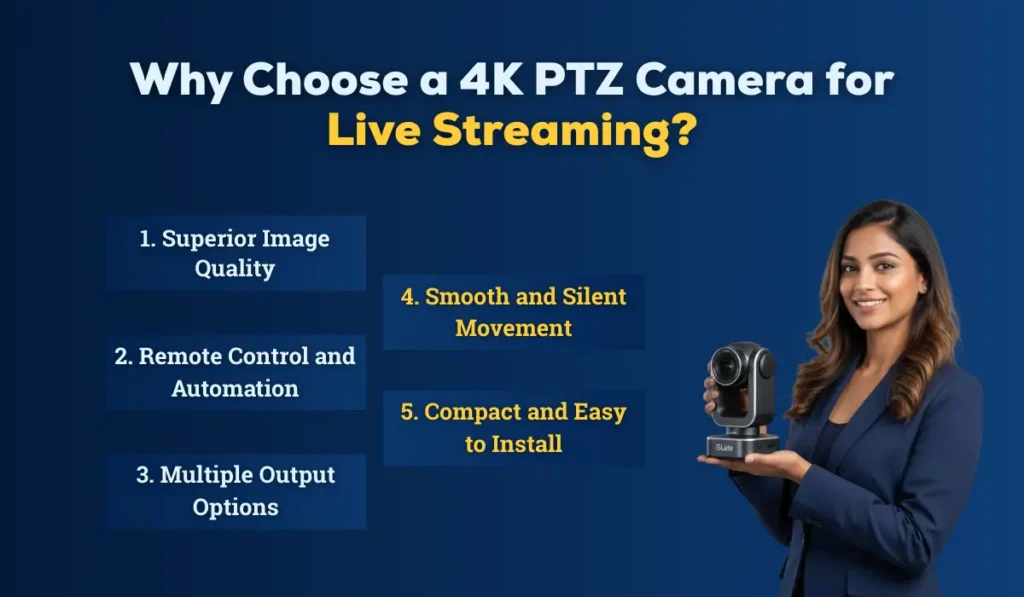
Here’s why they are a top choice:
1. Superior Image Quality
4K resolution delivers 4 times more detail than Full HD. The picture looks sharp, even when zoomed in or projected on large screens. It’s ideal for capturing minute expressions or product details.
2. Remote Control and Automation
You can control pan, tilt, and zoom through:
- IR remote,
- Joystick controller,
- or even software like OBS, vMix, or PTZ Control App.
This means one person can handle multiple camera angles, saving manpower and cost.
3. Multiple Output Options
Most modern PTZ cameras support multiple output interfaces like HDMI, SDI, USB, and IP streaming (RTSP/RTMP/NDI).
That makes integration easy with platforms like YouTube Live, Facebook Live, Zoom, Microsoft Teams, or OBS Studio.
4. Smooth and Silent Movement
PTZ motors are built for professional use — so they move smoothly and quietly, maintaining a cinematic experience even during transitions.
5. Compact and Easy to Install
You can mount them on walls, ceilings, or tripods — making them perfect for classrooms, boardrooms, auditoriums, or studios where space is limited.
Key Factors to Consider When Choosing a 4K PTZ Camera for Live Steaming
Now that you understand why PTZ cameras are useful, let’s explore how to select the best one for your specific use case.
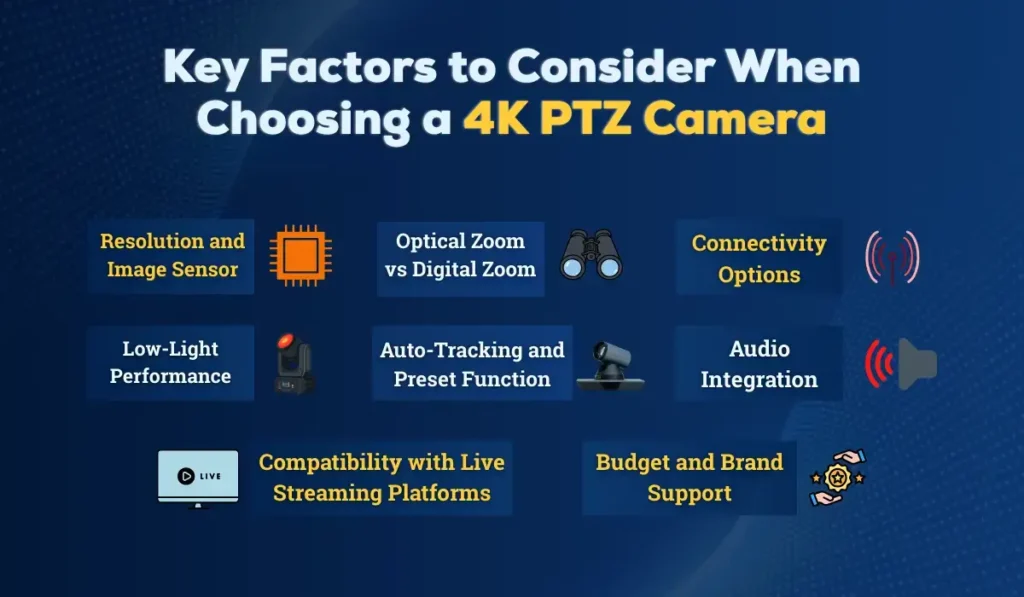
1. Resolution and Image Sensor
When we refer to “4K,” we typically mean Ultra HD (3840 x 2160).
However, the sensor size and image processor matter as much as the resolution.
- A larger CMOS sensor (such as 1/2.5″ or 1″) captures more light and offers better low-light performance, which is crucial for indoor setups like classrooms and hallways.
- Some cameras offer auto white balance and HDR, which makes colours look natural even under mixed lighting.
Tip: If your setup experiences changing light conditions (such as stage lighting or daylight through windows), consider choosing a model with HDR and WDR support.
2. Optical Zoom vs Digital Zoom
Zoom is one of the most critical features of a PTZ camera.
- Optical Zoom uses the camera lens to magnify the image without losing quality.
- Digital Zoom enlarges pixels digitally, reducing image clarity.
For professional use, prefer at least 12x optical zoom.
If you’re streaming large auditoriums or religious gatherings, go for 20x or 30x optical zoom.
Example:
A 30x optical zoom camera can clearly focus on a person sitting at the far end of a hall, without distortion.
3. Connectivity Options
Different live streaming setups require different connections.
Check if your camera supports:
- HDMI – For connecting to mixers and switchers
- 3G-SDI – For long cable runs (ideal for large events)
- USB 3.0/Type-C – For direct plug-and-play with computers
- Ethernet (IP) – For remote operation and network streaming
- PoE (Power over Ethernet) – For power + data via a single cable (very convenient)
If you plan to stream directly to YouTube, Facebook, or Zoom, choose a camera with IP streaming or NDI support.
4. Low-Light Performance
In Indian setups such as temples, wedding halls, or classrooms, lighting is often not ideal.
So, you’ll need a camera that performs well in low-light conditions.
Look for:
- Minimum illumination below 0.5 lux
- Wide aperture lens (f/1.8 – f/2.8)
- Noise reduction (2D/3D DNR)
This ensures clear, noise-free video even in dim lighting.
5. Auto-Tracking and Preset Function
Modern PTZ cameras are equipped with AI-based auto-tracking, enabling the camera to automatically follow a speaker or object.
This feature is a blessing for online classrooms, lecturers, and event hosts, where manual control isn’t possible.
You can also set preset positions, for example:
- Preset 1: Wide view of the stage
- Preset 2: Speaker close-up
- Preset 3: Audience shot
With just one click, you can switch between views, giving your live stream a dynamic and professional look.
6. Compatibility with Live Streaming Platforms
If you use OBS Studio, Wirecast, vMix, or Zoom, make sure your camera is compatible.
Most modern PTZ cameras support RTSP/RTMP, allowing them to stream directly to YouTube, Facebook, and Instagram Live.
Also, check if it supports:
- NDI|HX (for network-based live production)
- UVC (USB Video Class) for plug-and-play with conferencing tools
7. Audio Integration
While most PTZ cameras don’t have built-in professional mics, they support 3.5mm or XLR audio input.
That means you can easily integrate your existing audio mixer or wireless mic setup.
For best results, synchronize your audio and video through software (such as OBS or vMix).
8. Budget and Brand Support
Your budget plays a big role, but remember, PTZ cameras are a long-term investment.
Here’s a general idea:
- Entry-Level 4K PTZ Cameras: ₹40,000 – ₹70,000
- Mid-Range Professional Models: ₹80,000 – ₹1,50,000
- High-End Broadcast Cameras: ₹2,00,000 and above
Always choose a brand that offers:
- Local service & warranty support in India
- Spare part availability
- Firmware updates
Pro Tip: Choose a local Indian provider (like us!) who not only sells but also offers installation, setup, and training services for your 4K PTZ camera.
Introducing the iSlate 4K HD PTZ Camera
At iSlate Technologies, we understand that Indian customers need high performance with reliability. Our Zoom-certified 4K HD PTZ Camera is crafted for professional live streaming environments, offering unmatched quality and versatility.
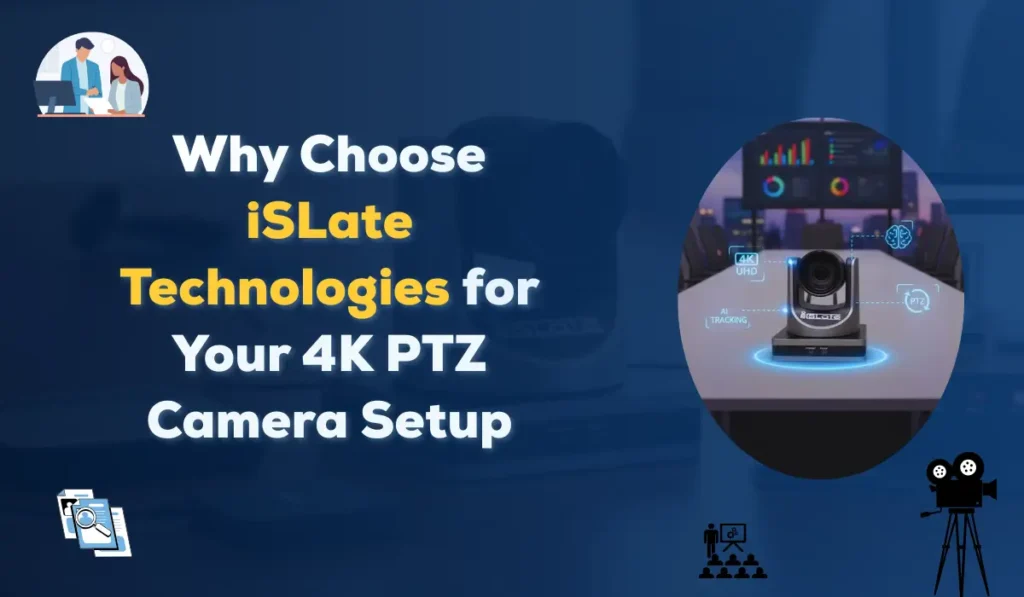
Core Features
- 4K (3840×2160) Ultra HD clarity
- 12× optical + 16× digital zoom for both wide shots and detailed close-ups
- Wi-Fi connectivity for wireless streaming convenience
- Remote control and joystick compatibility for seamless operation
- Wall mount included, making installation easy in classrooms, studios, and halls
- Compact design (20 × 13 × 17.6 cm) for modern setups
- 3-year warranty ensuring peace of mind
Our camera is already powering schools, colleges, corporate offices, and religious institutions across India, especially in Delhi, Noida, UP, and the NCR regions.
Know More Features of iSLate 4K HD PTZ Camera
Popular Use Cases of 4K PTZ Cameras in India
4K PTZ cameras are transforming how India captures, streams, and shares live events — bringing clarity, convenience, and professional quality to every setup. From classrooms to mandirs and corporate boardrooms, these smart cameras provide seamless control and unmatched versatility to meet the modern needs of India.
Here are the Top Areas Using 4K PTZ Cameras Today:
- Educational Institutions – For recording and streaming online classes or hybrid learning setups.
- Corporate Offices – For high-quality video conferencing and webinars.
- Temples & Religious Places – For live darshan streaming to devotees.
- Wedding & Event Halls – For live streaming to YouTube or private links.
- Studios & YouTubers – For professional video production with minimal crew.
- Government & Council Meetings – For secure, high-resolution meeting coverage.
How to Set Up a 4K PTZ Camera for Live Streaming
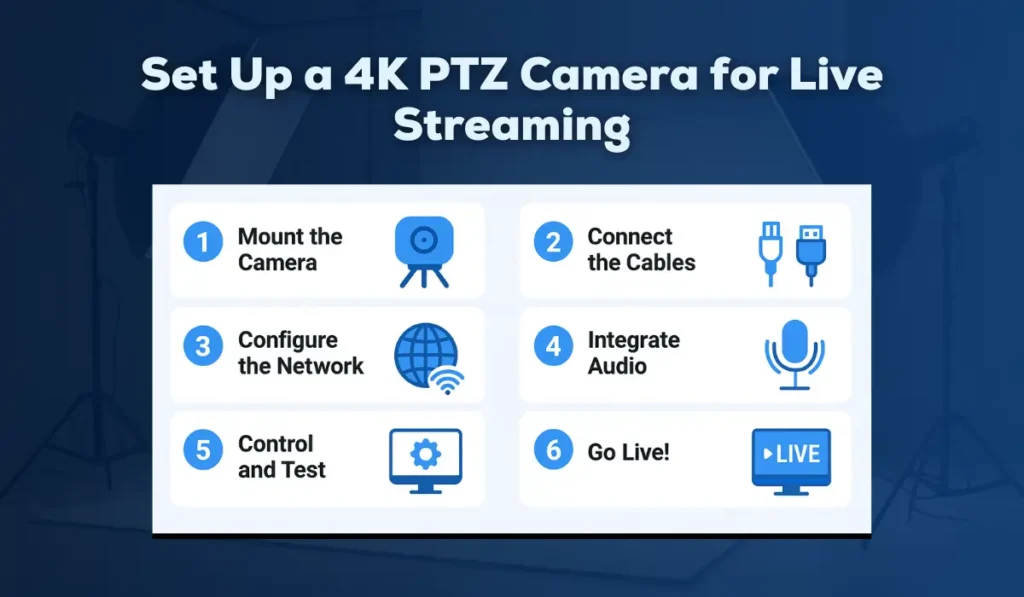
Here’s a simplified step-by-step process:
Step 1: Mount the Camera
Use a wall bracket or ceiling mount for stability and wide coverage.
Ensure the camera faces the main action area (like the stage or podium).
Step 2: Connect the Cables
Use HDMI or SDI for direct video output, or Ethernet for IP streaming.
If your camera supports PoE, a single cable can power and transmit video.
Step 3: Configure the Network
Access the camera’s web interface using its IP address.
Set up your RTMP/RTSP stream key for YouTube or Facebook Live.
Step 4: Integrate Audio
Connect your audio system or wireless mic to the camera or directly into your streaming PC/mixer.
Step 5: Control and Test
Use a joystick, remote, or software app to control pan, tilt, and zoom.
Check for focus, white balance, and brightness before going live.
Step 6: Go Live!
Use OBS Studio, vMix, or your preferred software to broadcast your stream in 4K or downscale to 1080p for bandwidth optimization.
Tips to Get the Best Out of Your PTZ Camera
- Always clean the lens before streaming — dust or fingerprints can ruin image clarity.
- Use manual exposure mode in tricky lighting.
- Create multiple presets for quick transitions during the event.
- Ensure proper bandwidth (at least 10 Mbps for 4K streaming).
- Use PoE switches for neat cable management and easy setup.
Common Mistakes to Avoid When Buying the Best 4K PTZ Camera for Live Streaming Setup
- Choosing a digital zoom-only camera — image quality will degrade.
- Ignoring audio setup — great video with bad sound ruins the experience.
- Forgetting about service support — always buy from a reliable Indian vendor.
- Using low-quality network cables can cause lag and disconnections.
Why Choose Us for Your 4K PTZ Camera Setup
At iSLate Technologies, we don’t just sell cameras — we provide complete solutions.
Our team offers:
- Professional installation
- Network setup and camera configuration
- Operator training
- After-sales support and warranty assistance
We provide premium 4K PTZ camera solutions across India — ideal for:
- Classrooms and coaching institutes
- Corporate boardrooms
- Temples and religious institutions
- Live events, seminars, and studios
Whether you’re just starting your streaming journey or upgrading your existing setup, we can help you choose the right camera model, lens type, and accessories as per your environment and budget.
Conclusion
Selecting the best 4K PTZ camera for live streaming can transform your content quality and audience experience. From stunning 4K visuals to remote control and multi-angle automation — PTZ cameras are designed to make your streams professional, efficient, and future-ready.
The iSlate 4K HD PTZ Camera combines powerful optics, wireless convenience, and durable Indian-market reliability, making it the perfect solution for classrooms, boardrooms, and studios.
Whether you’re upgrading from an old webcam or building a multi-camera broadcast setup, iSlate Technologies will guide you through every step, from product selection to installation and training.
Contact us for a demo, pricing, and installation of 4K PTZ cameras in India.
Call or WhatsApp us today — we’ll help you choose the best camera for your streaming goals.



Pingback: Best 4K PTZ Camera Buying Guide | Features, Tips & Expert Advice
Pingback: Ultimate 4K PTZ Camera Features Guide and Best Providers in India
Pingback: How 4K PTZ Cameras Improve Virtual Events & Online Classes